
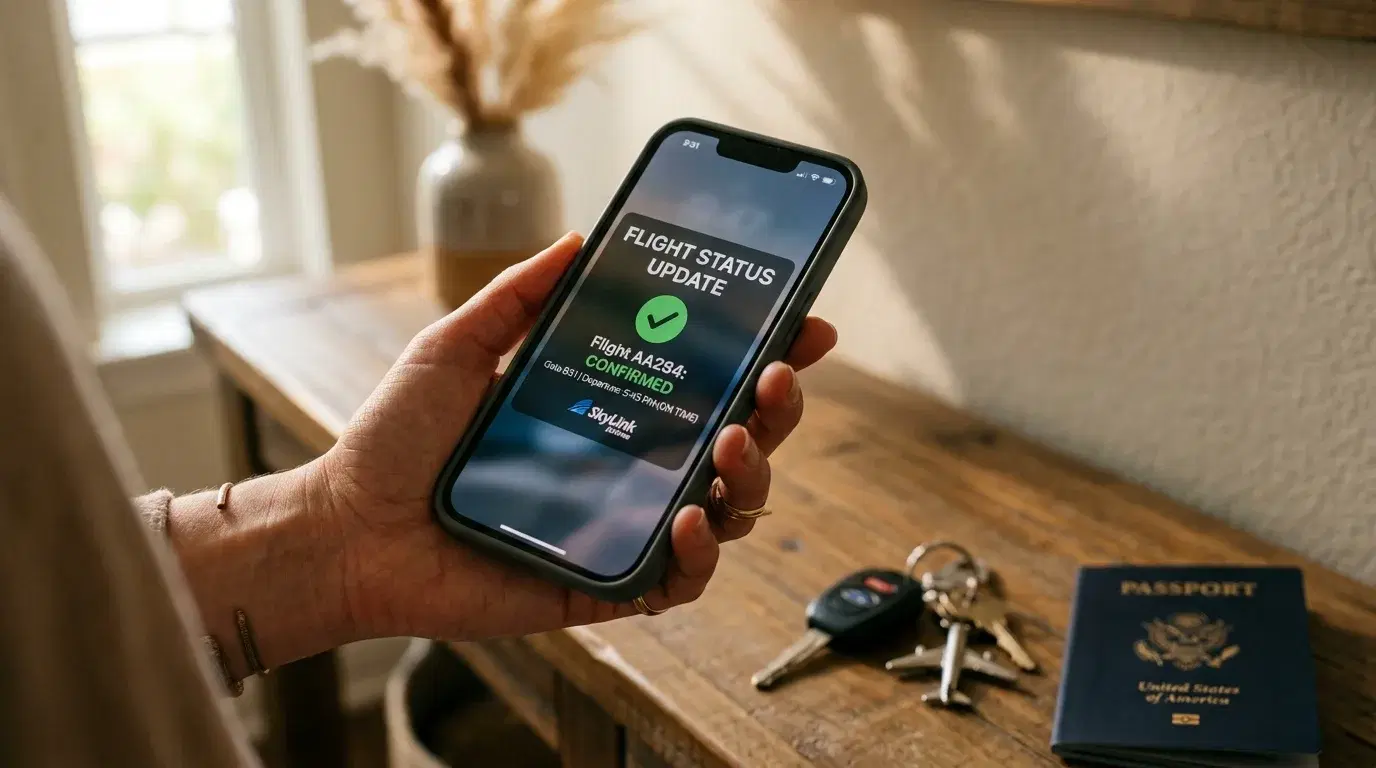
Checking flight status before leaving home takes less than a minute and can save hours of standing in a terminal. Delays, gate changes, and cancellations often show up online well before an airport announces them. Knowing where to look, and when to look, turns a routine departure into a controlled one instead of a rushed guess.
Why Checking Flight Status Before You Leave Matters
A flight departure status can change several times between booking and boarding. Weather, air traffic congestion, and aircraft swaps all shift departure times, and airlines update their systems before staff make an announcement at the gate.
Checking ahead of time answers three questions: Is the flight still on schedule? Has the departure gate or terminal changed? Is there a real chance of a cancellation? Confirming these before leaving home lets travelers adjust departure time, parking plans, or transportation instead of discovering a problem after arriving curbside.
The Best Ways to Check Flight Status
The airline's own app or website is the most reliable flight status check, since airlines control the schedule data first. Entering a confirmation number or flight number brings up real-time departure, gate, and boarding information tied directly to that reservation.
For a broader view, the Federal Aviation Administration's Airport Status page reports live delays and ground stops by airport, which is useful for spotting weather or traffic problems before an airline updates an individual flight. Independent trackers such as FlightAware or FlightStats pull data from multiple airlines and air traffic control feeds, which helps when tracking a connecting flight operated by a different carrier, since free flight tracking tools such as FlightAware or FlightStats can check for airports' flight delays and cancellations.
Airport websites themselves often display live departure boards, which is helpful for confirming gate and terminal information close to departure time. Pairing an airline app with the airport's own board catches discrepancies that a single source might miss. Review the Airport Travel Checklist for a fuller rundown of what to confirm before heading out the door.
When to Start Checking Your Flight
A single check the night before is not enough, since conditions can shift overnight. A reasonable pattern looks like this:
-
The night before departure, to catch early schedule changes
-
Three to four hours before a domestic flight, when airlines typically post accurate delay data
-
One hour before leaving home, as a final confirmation before locking in departure time
International flights benefit from an earlier first check, since long-haul aircraft routing and crew scheduling can shift a departure time hours in advance. Turning on push notifications through the airline's app removes the need to check manually every time, since most carriers send an alert the moment a delay, gate change, or cancellation is logged, since the U.S. Department of Transportation requires airlines to provide passengers with information about a change in the status of the flight in various ways in a timely manner.
Checking Security Wait Times Alongside Flight Status
Flight status only tells half the story. A delayed departure can still mean a rushed morning if the security checkpoint is running long. TSA usually advises travelers to arrive two hours before a domestic flight and three hours before an international one, but actual wait times vary by airport, day, and staffing levels.
The TSA's official MyTSA app gives travelers 24/7 access to delay information at their favorite airports, along with how busy a checkpoint is likely to be at a given day and time based on historical data. Some larger airports also publish their own live wait-time pages by terminal, which can be more current than a national app during unusual circumstances, since Washington Dulles, for example, publishes estimated TSA wait times by terminal and checkpoint directly on its own website. Checking both the flight status and the security line before leaving home avoids arriving with only minutes to spare.
What to Do If Your Flight Shows a Delay or Cancellation
Seeing a delay before leaving home creates options that disappear once at the airport. Contacting the airline by phone or app while still at home often means shorter hold times than waiting behind other affected passengers at the gate.
If the delay is long enough to affect connections, checking the connecting flight's status separately matters, since a downstream flight may hold or may not, depending on how many passengers are affected. Rebooking through an app is typically faster than waiting in an airport line, and some airlines allow same-day changes to an earlier or later flight when a schedule shifts. A green check mark on the Department of Transportation's dashboard means an airline has committed to providing specific services, such as rebooking or meal vouchers, when a delay or cancellation is within the airline's control, and reviewing that commitment ahead of time sets expectations before a problem happens.
Common Mistakes When Checking Flight Status
Relying on a single source is the most common misstep. An airline app might lag behind an FAA ground stop by several minutes, while a third-party tracker might not reflect a same-day gate change yet. Cross-checking two sources catches most gaps.
Another mistake is checking only once, far in advance, and assuming nothing will change. Weather patterns and air traffic volume shift throughout the day, so a flight that looked on-time at 6 a.m. can carry a two-hour delay by boarding time. Skipping the security wait-time check is a third common error, since a flight can be perfectly on schedule while the checkpoint line still eats into the buffer built in for departure.
Frequently Asked Questions
How early should I check my flight status before heading to the airport?
Check the night before, again three to four hours before departure, and once more within an hour of leaving home. This pattern catches most schedule changes before they become a problem at the airport.
Do airlines automatically notify passengers of delays?
Airlines are required to communicate status changes to passengers in a timely manner, but automatic notifications depend on having the airline's app installed or notifications enabled, or contact details current in the reservation.
What is the difference between flight status and gate information?
Flight status covers whether a flight is on time, delayed, or cancelled. Gate information covers where to board, which can change independently of the overall schedule, sometimes more than once before departure.
Can I check flight status without downloading the airline's app?
Yes. Airline websites, airport departure boards, and independent trackers like FlightAware provide flight status without an app, though the airline's own system is usually the fastest to reflect changes tied to a specific reservation.
Before You Go
Checking flight status the night before, a few hours out, and again before leaving home covers most surprises before they happen. Pair that with a quick look at security wait times, and confirm any pre-booked airport transfer or Transpovia pickup reflects the current departure time before locking in the trip to the airport.


