
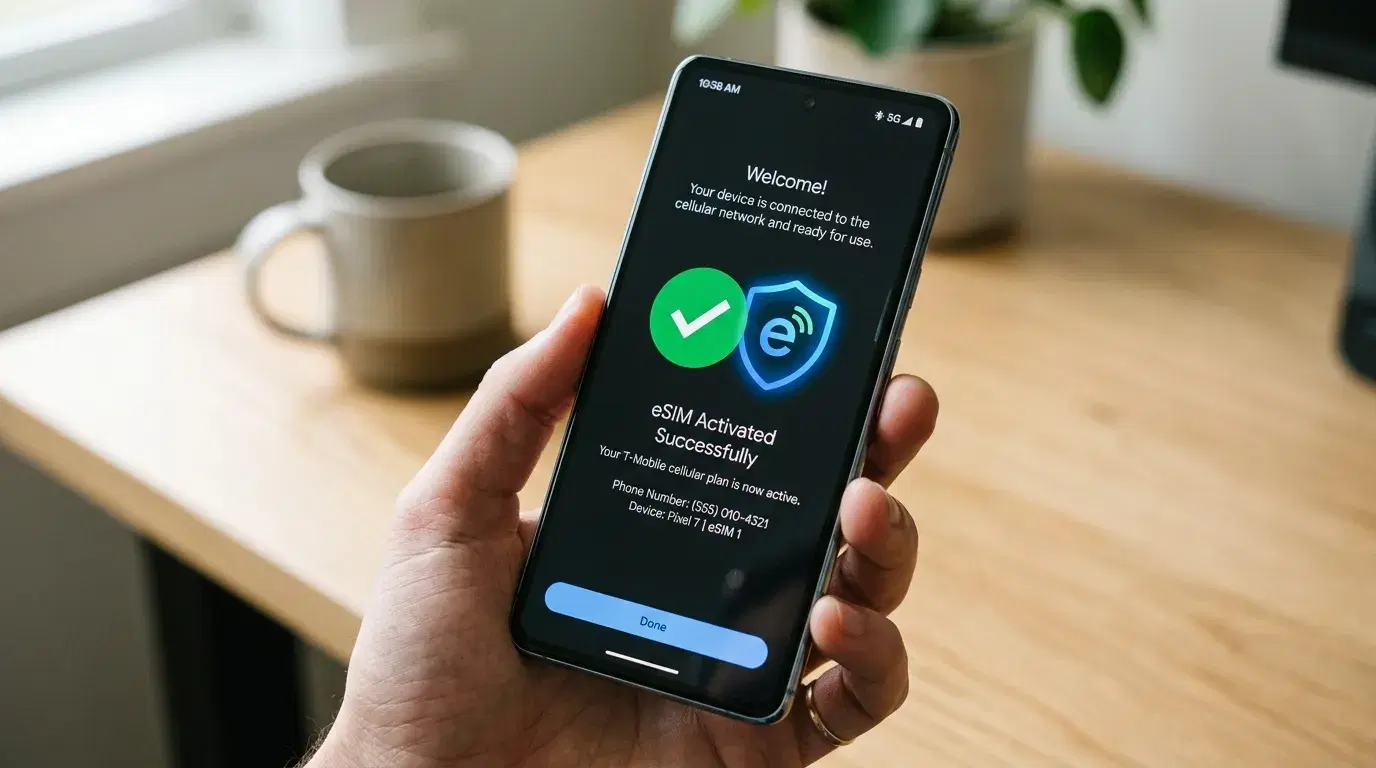
Landing in a new country and connecting to mobile data within minutes is convenient, but it also means handing your connectivity to a piece of software instead of a physical card you can see and touch. That trade-off raises a fair question before you travel: are eSIMs safe to use, especially somewhere your phone might also be your boarding pass, hotel key, and payment method? The short answer is yes, for most travelers — but understanding where the real risks sit makes the decision easier to trust.
Are eSIMs Safe? The Short Answer
Direct answer: eSIMs are generally as safe as, or safer than, physical SIM cards. The technology is built on encrypted provisioning standards set by the GSMA, the global body that governs mobile network specifications, and the profile itself lives inside a tamper-resistant chip that's soldered into the device rather than a removable card you can lose or hand to someone.
That doesn't mean eSIMs are risk-free. The technology itself is sound, but the way you buy, install, and manage one still matters. Most real problems come from where you buy the plan, not from a flaw in how eSIMs work.
How eSIM Security Actually Works
An eSIM stores your mobile subscription on an embedded chip called an eUICC, built directly into the phone's hardware. Instead of a carrier handing you a plastic card, your provider sends an encrypted profile that installs through a QR code or an activation app. That process runs through a GSMA-certified server system, and the profile is cryptographically tied to your specific device, so it can't simply be copied onto another phone the way a physical SIM can be removed and reinserted elsewhere.
This matters most for one common fraud method: SIM swapping. In a traditional SIM swap, someone convinces a carrier's support team to transfer your phone number to a SIM card they control, often by impersonating you with stolen personal details. Because eSIM profiles require stronger authentication to transfer and are tied to a specific eUICC, this type of attack is significantly harder to pull off — though carriers still play a role, and no system is entirely immune to social engineering aimed at customer support staff.
Can an eSIM Be Hacked?
Direct answer: There's no publicly documented case of someone remotely hacking into an eSIM profile and taking it over without any user or carrier involvement. The realistic risk isn't the eSIM chip itself — it's the account and app layer around it.
The more common threats look like this:
-
Phishing for carrier account access. If someone gets into your provider account through a weak password or reused credentials, they may be able to request changes to your line, including transfers.
-
Fake or malicious eSIM sellers. A QR code from an unofficial source could install a profile that routes your data through an untrusted network, or simply take your payment without delivering working service.
-
Malware on the phone itself. An eSIM doesn't protect you from a compromised operating system. If your phone has malicious software installed, your data is exposed regardless of which SIM technology you use.
-
Public Wi-Fi during setup. Installing an eSIM over an unsecured network doesn't expose the profile itself, but it can expose other traffic on the same connection.
None of these are unique to eSIM technology. They're the same categories of risk that affect physical SIM cards and general phone security, which is why buying from a reputable provider and keeping your device's software updated does more for your safety than the SIM format itself.
eSIM Privacy: What Providers Can and Can't See
Your mobile carrier, whether you're using an eSIM, a physical SIM, or eSIM vs pocket WiFi, can generally see which websites' domains you connect to, how much data you use, and your approximate location based on which cell towers your phone connects to. This is standard for any mobile network and isn't specific to eSIM technology.
What an eSIM changes is how your identity is tied to that data. Many travel eSIM providers don't require the same identity verification as a local physical SIM purchase, which in some countries means less personal information changes hands to get connected. That's a privacy advantage in places where local SIM registration requires a passport copy or local ID. It's not the same as anonymity, though — your provider still has a payment method on file, and network-level metadata is visible the same way it would be on any mobile connection.
If you handle sensitive work or personal information while traveling, a reputable VPN adds a separate layer of protection on top of the eSIM, since it encrypts your traffic in transit rather than just your subscription setup.
Choosing a Provider You Can Trust
Not all eSIM sellers operate the same way, and the provider you choose matters more for your security than the underlying eSIM technology itself. A few checks before buying:
-
Look for a real company behind the app or website, with a support channel you can actually reach if activation fails.
-
Read the privacy policy, particularly what data is collected and whether it's shared with third parties.
-
Check reviews from other travelers, focusing on whether the service reliably activates and delivers the coverage it advertises.
-
Avoid QR codes sent through unsolicited messages or emails, even if they look official, since these can be used to install a fraudulent profile.
Buying directly from a carrier's own app or a well-established travel eSIM marketplace reduces most of the practical risk, since these companies have a reputation and regulatory exposure to protect.
Staying Secure While Connected Abroad
Once your eSIM is active, a few habits reduce risk more than the SIM technology itself does:
-
Keep your phone's operating system updated. Security patches close vulnerabilities that have nothing to do with your SIM but affect everything running on the device.
-
Use two-factor authentication that doesn't rely solely on SMS, such as an authenticator app, since SMS-based codes can still be intercepted if your number is ever compromised through your carrier account.
-
Avoid installing eSIMs over public Wi-Fi when possible. Home or office Wi-Fi, or a personal hotspot, is a safer setup environment.
-
Set a strong, unique password on your carrier account, especially if that account also holds payment details.
None of this is unique to international travel, but the stakes feel higher when you're relying on a single device for navigation, payments, and communication in an unfamiliar place.
Where a Working Connection Actually Helps
Security aside, the practical reason travelers reach for an eSIM in the first place is straightforward: having data the moment you land makes everything else easier. Confirming a pickup location, checking a flight status update, or messaging a hotel about a late arrival all depend on a working connection, and that's often the first real test of a trip. This is where having transportation already arranged through a service like Transpovia pairs naturally with a working eSIM, since confirming a driver or transfer detail on arrival requires exactly the kind of quick, reliable data access an eSIM is designed to provide.
Planning that transportation ahead of time, before you've even left home, is often easier with a working connection too — booking an airport transfer through Transpovia while still on home Wi-Fi means one less thing to sort out once you're standing at arrivals with a suitcase and a time zone to adjust to.
FAQs
Is it safe to use an eSIM on public Wi-Fi?
The eSIM profile itself isn't made less secure by public Wi-Fi, since installation is encrypted end-to-end through the carrier's provisioning system. However, other activity on an unsecured network can still be exposed, so using a VPN for sensitive browsing is a reasonable extra step regardless of which SIM technology you use.
Can someone steal your eSIM remotely?
There's no documented case of a remote takeover of an eSIM profile without the user or carrier account being compromised first. The realistic risk is someone gaining access to your carrier account through phishing or weak passwords, not a direct attack on the eSIM chip itself.
Is an eSIM more private than a physical SIM?
In some cases, yes. Many travel eSIM providers require less identity verification than buying a local physical SIM in countries with strict registration rules. That said, your provider still retains billing information and standard network metadata, the same as any mobile connection.
Do eSIMs work with two-factor authentication?
Yes. An eSIM can still receive SMS codes and calls if the plan includes them, and app-based authenticators work independently of the SIM technology entirely, which is generally the more secure option while traveling.
Before You Travel
Buy your eSIM from a provider with a real support channel and a clear privacy policy, keep your phone's software updated, and switch sensitive logins to an authenticator app before you go. Pairing that setup with transportation booked through Transpovia means arrival goes smoothly on both fronts — connectivity and getting where you're headed. These steps take only a few minutes to set up before departure.
"Once I stopped worrying about the SIM card and started worrying about who I bought it from, staying connected abroad felt a lot less risky."


