
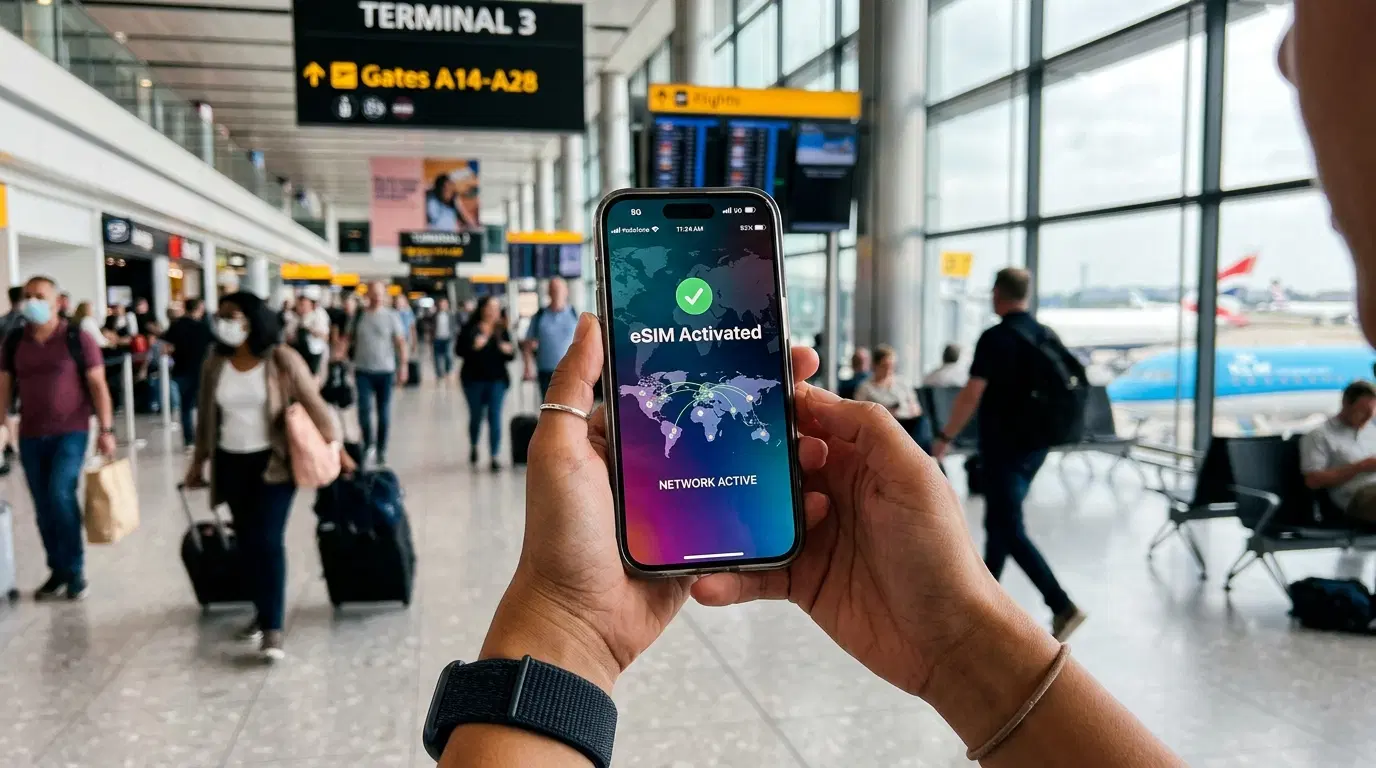
You land in a new country, turn off airplane mode, and face two bad options: hunt for a SIM card kiosk while jet-lagged, or leave data roaming on and hope the bill isn't brutal. A travel eSIM removes that choice. It's a data plan you buy and install on your phone before you leave home, so you have working internet the moment you step off the plane. This guide explains how eSIMs work, whether your phone supports one, how to set it up correctly, and the mistakes that leave travelers stranded without signal.
What a Travel eSIM Actually Is
A travel eSIM is a digital SIM built into your phone that you activate over the internet instead of inserting a plastic card. The "e" stands for embedded — the SIM is a chip already soldered into modern phones, and a travel plan simply loads onto it. You buy a data plan for your destination, receive a QR code or activation link, scan it, and the profile installs. No store visit, no swapping tiny cards, no waiting.
Most travel eSIMs are data-only. They handle everything that runs over the internet — maps, messaging, calls through apps, email, and streaming — but usually don't come with a local phone number. That matters less than it sounds, since the vast majority of travelers now communicate through apps rather than standard calls.
The Benefits of Using an eSIM Abroad
The main draw is predictable cost. With a prepaid eSIM for international travel, you know the price and the data allowance before you go, so there's no per-megabyte roaming meter running in the background and no surprise charges waiting when you get home. Traditional roaming still works, and many home carriers now sell daily travel passes, but those add up fast on longer trips and the fine print often hides messaging and calling fees.
Beyond price, an eSIM offers real practical advantages for mobile data abroad:
-
You keep your home number. On a dual-SIM phone, your regular line stays active for calls and verification texts while the eSIM carries data.
-
You're connected on arrival. Data works the second you land, so you can pull up directions, call a ride, or coordinate a pre-booked airport transfer through a service like Transpovia without first finding Wi-Fi.
-
You avoid SIM kiosks. No searching an unfamiliar airport for a shop, showing your passport, or fumbling with a SIM ejector tool.
-
One plan can cover several countries. Regional and global eSIMs work across borders without swapping anything.
Connectivity on landing also means your essential apps work right away. If you haven't set your phone up yet, our guide to the Best Travel Apps Every International Traveler Should Download covers the maps, translation, and messaging tools worth installing before departure, all of which run on eSIM data.
Does Your Phone Support an eSIM?
Check this first, because everything else depends on it. Two conditions must be true: your phone needs eSIM hardware, and it can't be locked to a specific carrier.
On the Apple side, every iPhone from the iPhone XS and XR (2018) onward supports eSIM. U.S. models of the iPhone 14 and later have no physical SIM tray at all — they're eSIM-only — and the iPhone Air is Apple's first globally eSIM-only model. On Android, Samsung added eSIM with the Galaxy S20 series, and Google's Pixel has supported it since the Pixel 3. Many mid-range and budget Android phones still lack the hardware, so don't assume.
A few quick checks confirm compatibility:
-
iPhone: open Settings, then Cellular, and look for "Add eSIM."
-
Android: open Settings, then Network & internet or Connections, and look for an option to add an eSIM or SIM.
-
Any phone: dial *#06#. If an EID number appears alongside the IMEI, your device has an eSIM.
One important caveat: phones sold in Mainland China, Hong Kong, and Macao frequently ship without eSIM support and use two physical SIM slots instead. If you bought your phone in those regions, verify carefully before buying a plan.
How to Set Up a Travel eSIM Before You Fly
Install the eSIM at home, on Wi-Fi, before you travel. Activation requires an internet connection to download the profile, so if you wait until you've landed with no signal, you can't install it — a frustrating loop that catches many first-time users. Most providers let you install the profile up to about 30 days ahead of your travel dates.
The setup runs in a few steps:
-
Buy a plan for your destination country or region and receive the QR code or activation link.
-
Connect to Wi-Fi and scan the code to install the eSIM profile. Label it something clear, like "Travel," so you can tell your lines apart.
-
When you arrive, set the travel eSIM as your data line in your cellular settings.
-
Turn off data roaming on your home line. This is the step that saves money: with roaming disabled on your primary number, background app syncs and updates can't quietly rack up charges on it.
Keep your home line switched on for calls and SMS if you rely on text-message two-factor codes from your bank or other accounts. Newer software helps here too — recent versions of iOS can prompt you to choose a travel eSIM at setup and automatically switch back to your home line when you return.
Choosing the Right Plan: Country, Regional, or Global
Match the plan to your route. A single-country eSIM is the most economical choice if you're staying in one place. A regional plan — covering, say, much of Europe or Southeast Asia under one profile — is the better pick when you're crossing borders, because you won't need to reinstall anything at each stop. Frequent travelers who hop between continents often use a global plan to avoid managing multiple profiles.
This flexibility makes eSIMs especially useful for complex trips. If you're mapping out several destinations, our guide on How to Plan a Multi-City Vacation Without Stress pairs well with a single regional eSIM that keeps you online across the whole route.
When comparing plans, read past the headline numbers. "Unlimited" data is often full-speed only up to a threshold and then throttled, and some plans limit or block hotspot use. Estimate your real needs: light navigation and messaging burns far less than daily video calls, cloud photo backups, or tethering a laptop for remote work. Buying a slightly larger allowance than you expect to use is cheaper than scrambling for a top-up mid-trip. The best eSIM for travel is simply the one whose coverage, data amount, and hotspot terms fit how you actually use your phone.
Common Mistakes That Leave You Without Signal
Most eSIM problems trace back to a handful of avoidable errors:
-
Installing too late. Waiting until after you land means no Wi-Fi to activate the profile.
-
Forgetting to switch the data line. The eSIM won't carry data until you select it in settings.
-
Leaving home roaming on. Background data on your primary line can trigger the exact charges you bought the eSIM to avoid.
-
Buying too little data. Maps and rideshare apps use more than people expect over a full trip.
-
Expecting a local number. Data-only plans don't provide one; use app-based calling for voice.
-
Using a carrier-locked phone. A device tied to your home carrier may reject the profile — sort out any lock before you go.
Because an eSIM depends on your provider's partner networks at the destination, it's smart to keep your home carrier's roaming as a backup you can switch on if the eSIM ever fails to connect.
Frequently Asked Questions
Does a travel eSIM come with a local phone number?
Usually not. Most travel eSIMs are data-only, meaning they provide internet access but no local number for standard calls or texts. That's rarely a problem, since apps like WhatsApp, FaceTime, and Telegram let you call and message using your existing accounts over the eSIM's data connection.
Can you use a travel eSIM as a mobile hotspot?
Often, yes, but check the plan first. Many eSIM providers allow tethering so you can share the connection with a laptop or another device, while some restrict or cap hotspot use. If working from your laptop abroad matters, confirm the plan permits hotspot data before buying.
What happens to a travel eSIM when your trip ends?
Once the data runs out or the plan expires, the profile simply stops working, and you switch your data back to your home line. You can delete the profile from your settings or keep it stored — many phones hold several eSIM profiles at once, so you can reuse or refill it on a future trip.
Is a travel eSIM secure to use?
Yes. An eSIM uses the same encrypted mobile network technology as a physical SIM, and because there's no card to lose or have stolen, it removes one small risk. As with any connection, use a VPN or avoid sensitive logins on untrusted public Wi-Fi.
Getting Connected Before You Go
Confirm your phone supports eSIM and isn't carrier-locked, then buy a plan that matches your route — single-country, regional, or global. Install and label the profile at home on Wi-Fi, set it as your data line on arrival, and switch off roaming on your home number. Do that, and you'll walk out of the terminal already online, with directions and rides a tap away.


