
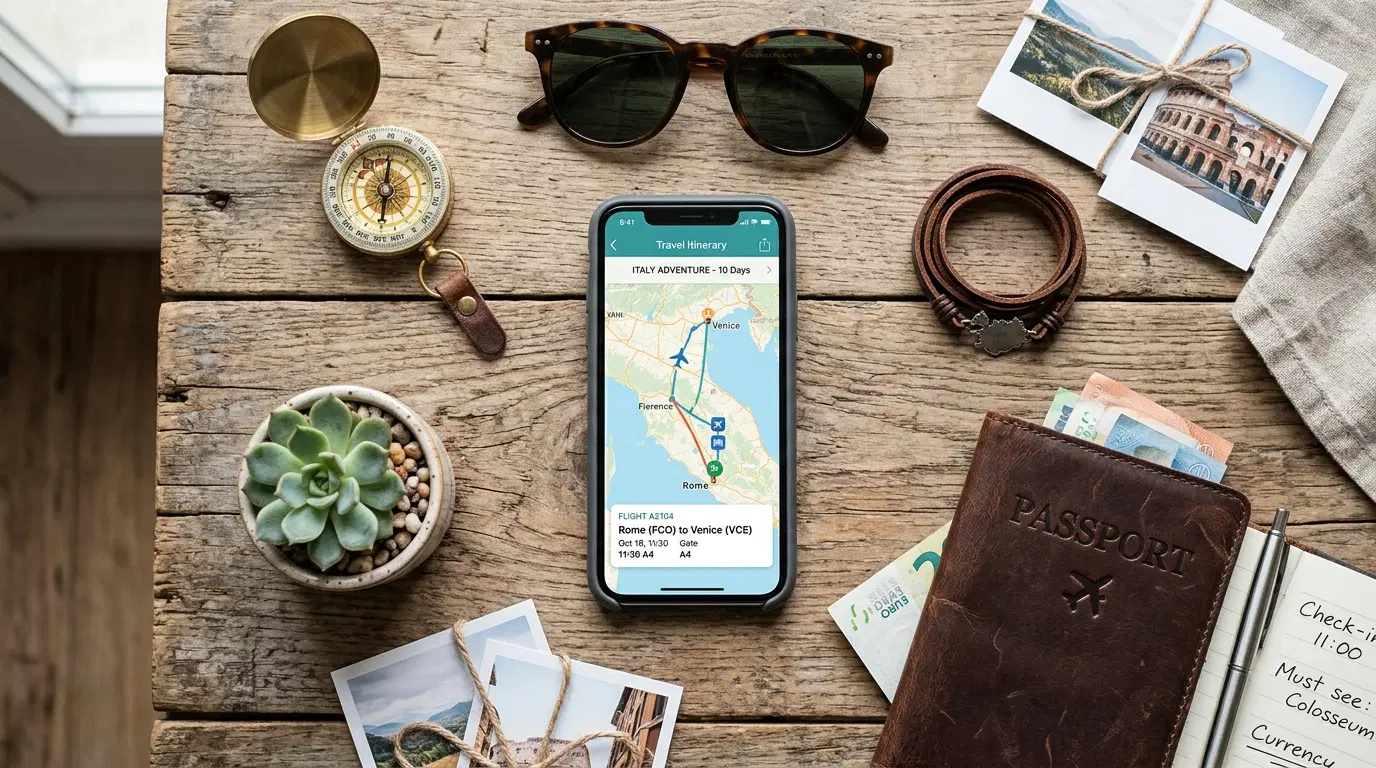
A phone with the right apps installed can replace a stack of paper maps, a phrasebook, a currency converter, and a fistful of printed confirmations — but only if those apps are downloaded and set up before departure, not scrambled together at the gate. International trips introduce problems a domestic trip rarely does: unfamiliar currency, a language barrier, spotty data access, and border processing that varies by country. The right travel apps address each of these directly, and knowing which ones actually solve a specific problem matters more than downloading a long list and hoping for the best.
Navigation That Works Without a Data Connection
Getting lost in an unfamiliar city is one of the most common sources of travel stress, and the fix is largely solved by preparation rather than luck. Google Maps includes an offline maps feature that lets travelers download a specific city or region in advance, while still connected to Wi-Fi, so that turn-by-turn navigation, location search, and GPS tracking continue working even without cellular data. This makes a real difference in countries where mobile roaming is expensive or where a local SIM or eSIM hasn't been set up yet on arrival.
It's worth understanding the feature's limits before relying on it: live traffic conditions, transit schedules, and real-time rerouting all require an active internet connection, so offline maps work best for basic navigation rather than time-sensitive routing. Downloading the relevant area a day or two before departure, rather than at the airport, avoids relying on unreliable terminal Wi-Fi for a large download. Starring key locations — the hotel, a rental pickup point, an embassy address — before losing connectivity keeps them quickly searchable within the downloaded map later.
Translation Apps for Everyday Communication
A language barrier affects everything from reading a menu to asking for directions, and modern translation apps handle far more than simple word lookup. Camera-based translation, which overlays translated text directly onto a photo of a sign or menu, has become a standard feature in major translation apps and works particularly well for reading printed text without needing to type anything. Voice-based conversation modes, which translate spoken exchanges in near real time, help with situations that go beyond simple phrase lookup, such as asking a pharmacist about a specific medication or negotiating a taxi fare.
Downloading a language pack for offline use, when the app supports it, protects against situations where data access is limited or expensive, similar to the reasoning behind offline maps.
Streamlining Entry and Border Processing
For travelers returning to the United States, U.S. Customs and Border Protection offers mobile tools that can meaningfully shorten the arrival process. The Global Entry Mobile Application, available to enrolled Global Entry members, allows eligible travelers to submit their travel document and a photo through the app before reaching passport control, which CBP states can reduce inspection time and overall wait time at eligible arrival airports. Mobile Passport Control offers a similar streamlined option for U.S. citizens, lawful permanent residents, and certain visa-exempt travelers who aren't enrolled in Global Entry, letting them submit arrival information through the app rather than a paper customs form.
These programs don't replace normal entry requirements and are limited to specific eligible airports, so checking whether a planned arrival airport supports the relevant app is worth doing before counting on it to save time. Why Travelers Should Use an eSIM on International Trips covers how staying connected immediately after landing supports this kind of app-based processing, since some of these tools work best with an active data connection right after arrival.
Keeping Important Documents Accessible Offline
Passports, visas, travel insurance policies, vaccination records, and hotel confirmations are all easier to manage digitally, but only if they're accessible without depending on a live connection at the exact moment they're needed. Cloud storage apps that allow specific folders or files to be marked for offline access solve this directly — the document downloads to the device in advance and remains available even if data or Wi-Fi drops out at a border crossing or hotel check-in desk.
A useful habit is keeping a single folder with digital copies of a passport photo page, any visas, travel insurance documents, and emergency contact information, all set to offline availability before departure. This isn't a replacement for carrying physical documents where required, but it provides a fast backup if a physical document is temporarily misplaced or a copy is requested unexpectedly.
Currency and Payment Tools
Understanding what something actually costs in familiar terms takes more than mental math, especially when juggling exchange rates across multiple countries on a longer trip. Currency conversion apps that update exchange rates regularly give a more accurate picture than a rate remembered from before departure, which can shift meaningfully over the course of even a two-week trip. Beyond simple conversion, many banking and travel-card apps now display real-time spending in home currency alongside the local charge, which helps avoid the surprise of a converted total that looks very different from what was expected at checkout.
Checking which payment apps and digital wallets are actually accepted at the destination matters too, since acceptance varies significantly by country and even by type of business within the same city.
Flight Tracking and Itinerary Management
Airline apps handle boarding passes, gate changes, and delay notifications directly from the source, which makes them more reliable than a general flight-tracking app for anything involving a specific booking. That said, independent flight-tracking apps are useful for a different purpose: monitoring a connecting flight, checking on someone else's arrival, or tracking a flight before the traveler has an internet connection to check the airline's own app.
Itinerary-organizing apps that consolidate flights, hotel bookings, and rental confirmations into a single timeline reduce the need to search through a cluttered email inbox for a specific confirmation number while standing at a check-in counter.
Apps for Getting Around Once You've Landed
Ground transportation apps vary considerably by country, and an app that works well in one city may have limited or no coverage in another. Researching which rideshare or transit apps actually operate at a specific destination, before relying on a familiar app from home, avoids discovering on arrival that the usual option isn't available locally.
For the airport arrival itself specifically, a pre-booked private transfer removes some of this uncertainty, since transportation is already arranged rather than dependent on finding a working local app after a long flight. This is particularly useful on a first trip to a new country, when it isn't yet clear which local transportation apps are reliable or widely used.
Building a Reliable App Setup Before You Travel
A few habits make the difference between apps that actually help during a trip and apps that sit unused on a phone. Downloading and testing each app before departure — not assuming it will work correctly the first time it's needed abroad — catches setup issues while there's still time to fix them. Checking whether an app requires an account, a subscription, or advance registration (as Global Entry does) avoids discovering a requirement only after landing. What to Pack for a Stress-Free International Trip includes related preparation steps worth reviewing alongside app setup, since connectivity and physical packing decisions often depend on each other.
Frequently Asked Questions
Do I need a local SIM card if I have travel apps installed?
Offline features in apps like Google Maps reduce the need for constant connectivity, but most translation, currency, and rideshare apps still work best with an active data connection. A local SIM, eSIM, or international data plan remains useful for full functionality.
Are airline apps enough for flight tracking, or is a separate app needed?
Airline apps are generally the most accurate source for a traveler's own flight, since the information comes directly from the airline. A separate flight-tracking app adds value mainly for monitoring flights that aren't tied to the traveler's own booking.
Is Global Entry worth it for occasional international travelers?
Global Entry requires an application, a fee, and an in-person interview, so it suits travelers who cross international borders regularly more than occasional travelers. Mobile Passport Control offers a lighter-weight option without enrollment for eligible travelers who don't want to commit to the full Global Entry process.
What should be downloaded before departure rather than after arrival?
Offline maps, offline translation packs, and any airline or entry-processing apps should be set up before departure, since downloading them relies on a stable connection that may not be reliably available immediately after landing.
Before You Fly
The right combination of apps depends on the destination, the trip length, and how much connectivity is expected along the way, but a few categories matter for nearly every international trip: offline navigation, translation, and a way to streamline border processing. Setting these up and testing them before departure, rather than during a layover, is what actually makes them useful once the trip is underway.


