
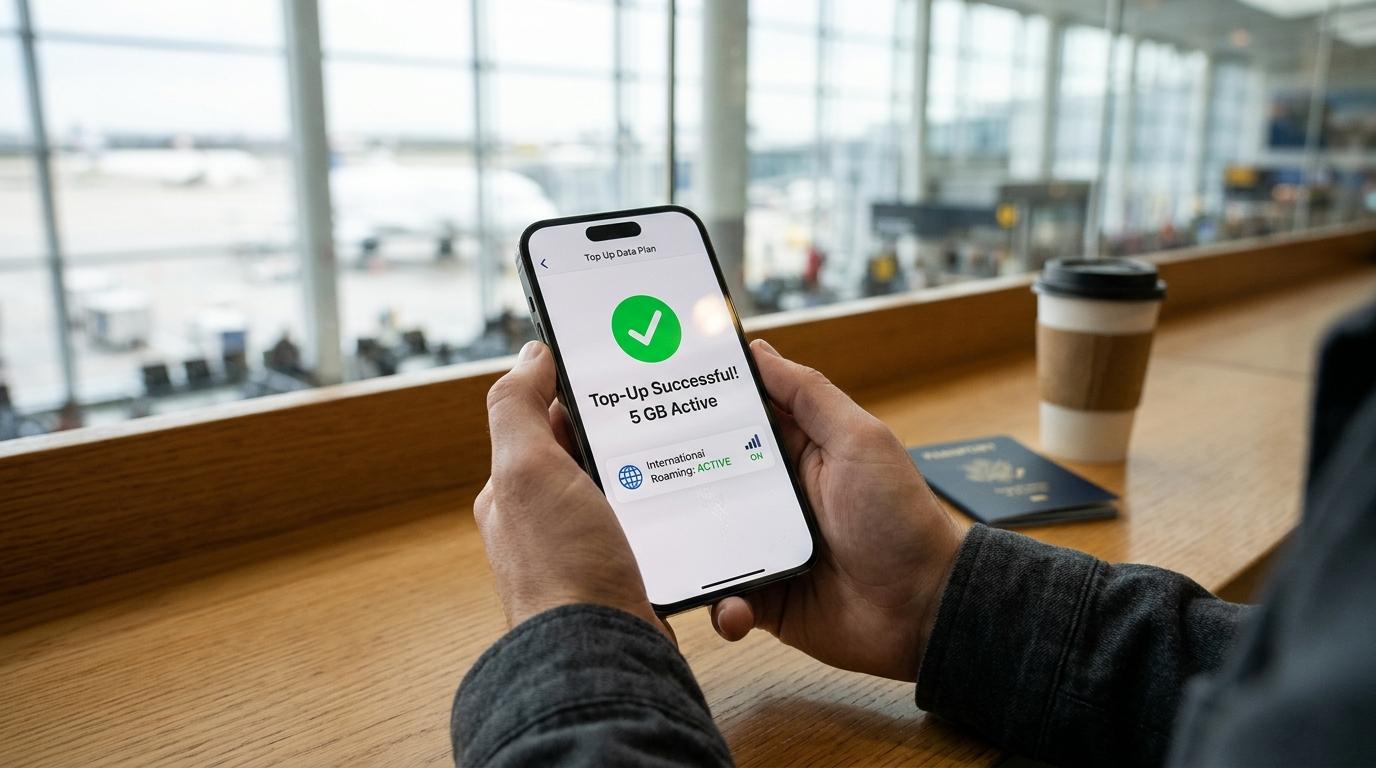
You're a few days into your trip, your data bar is nearly empty, and you'd rather not hunt for a SIM shop or pay roaming rates. The good news is that you can often top up a travel eSIM from your phone in a couple of minutes, with no new QR code and no reinstall. The catch is that it doesn't work for every plan. Here's how it works, what to check first, and what to do if your eSIM can't be topped up.
Can You Top Up Travel eSIM Plans?
Sometimes, but not always. A top-up adds data (and sometimes extra days) to an eSIM you've already installed. Whether you can do it depends on the provider and the specific plan you bought.
Some plans have a top-up option and others don't. If your eSIM doesn't support it, no button or menu setting will change that, and you'll need a different solution (more on that below).
Even when top-ups are available, there are usually conditions:
-
The eSIM generally has to still be active. Once the validity period ends, the top-up option typically disappears.
-
The top-up usually has to match the original plan's coverage. If you bought a plan for one country or region, you'd normally add data for that same country or region.
-
The provider's own app or account is where it happens. Your phone's settings can't add data to an eSIM. Only the provider that sold you the plan can.
The best time to learn all this is before you buy, not after your data runs out. Most providers state on the plan page whether it can be extended.
How to Add Data to Travel eSIM Plans Step by Step
The exact wording varies by provider, but the process looks about the same almost everywhere.
-
Open the provider's app, or log in to your account on its website.
-
Find the eSIM you're currently using. If you've bought several over time, make sure you pick the active one.
-
Look for a button labeled something like "Top up," "Add data," or "Buy more data."
-
Choose a package, pay, and wait a few minutes.
Your extra data usually arrives within minutes, and you don't need to scan a new QR code or change any device settings. Your phone keeps using the same eSIM profile it already has.
If the top-up option isn't there, your plan probably doesn't support it, or it may have expired. Don't keep tapping around the app. Check the plan details or contact the provider's support instead.
If Your Data Still Doesn't Work After the Top-Up
A top-up that's been paid for but isn't working yet is usually a refresh issue rather than a billing problem. Try these in order:
-
Turn airplane mode on, wait a few seconds, then turn it off.
-
Restart your phone.
-
Confirm the travel eSIM is still selected for mobile data, and that data roaming is turned on for that eSIM line. Travel eSIMs generally need it on to connect to a local partner network.
-
If nothing changes after a few minutes, contact the provider with your order details.
How to Know When It's Time to Recharge a Travel eSIM
Waiting until the data is gone is the most stressful way to do it, because you may need that data to complete the purchase. A few habits make it easier:
-
Check your usage in the provider's app. Many providers show remaining data and days. Some send an alert when your balance runs low, though how and when they notify you varies.
-
Look at your phone's cellular data counter too. Both iPhone and Android track usage by SIM line, which gives you a second reference point. Reset it at the start of your trip so the numbers mean something.
-
Watch your validity date as well as your gigabytes. Plans can expire by time even if you still have data left. Don't assume leftover data will roll forward.
Maps, ride-hailing apps, video calls, and uploading photos can use data faster than people expect. If you're burning through your allowance quickly, top up earlier in the trip rather than later. You'll have Wi-Fi at your hotel or a café to complete the purchase comfortably.
Top-Up vs. Buying a New eSIM
When both options exist, which one makes sense? It depends on the plan and the provider, so compare the actual prices before you pay. In some cases a top-up costs about the same as buying a new plan for the same destination, so there may be no savings. The real differences are usually about convenience and timing.
|
Top-up |
New eSIM plan |
|
|
Setup |
Usually none; same eSIM keeps working |
Install a new eSIM profile |
|
Best when |
Your plan supports it and is still active |
Your plan expired or has no top-up option |
|
Watch for |
Same-region requirement; may not be available on all plans |
Having two eSIMs installed at once; make sure the right one is active |
|
Typical use |
Mid-trip data shortage |
New destination, or a long gap between trips |
A new plan is also the better choice if you're heading to a different country or region than the one your original eSIM covers.
What to Do If Your eSIM Can't Be Topped Up
If your provider doesn't offer top-ups for your plan, or the plan has already expired, buy a replacement. That means a new eSIM data plan, not a fix to the old one. A new travel eSIM can be installed alongside the first one, so you don't have to delete anything to get connected again.
A few practical pointers:
-
Install it while you still have Wi-Fi. You need an internet connection to download the eSIM profile, so don't wait until you're offline.
-
Give each eSIM a clear label in your phone settings. Naming them something like "Trip data" and "Home line" makes it much harder to select the wrong one by accident.
-
Choose which line handles mobile data. Your home SIM and your travel eSIM can both be installed, but only one should be set for cellular data at a time.
-
Keep your home line's data roaming off if you don't want to risk roaming charges from your regular carrier while abroad.
Once the new plan is active, you can delete the old expired one if your phone's list is getting cluttered. Just make sure you're not removing a plan you still might want to top up.
Frequently Asked Questions
Does a top-up extend the number of days on my plan?
It depends on the package. Some top-ups add data only, while others add both data and extra days. The details are usually shown on the top-up screen before you pay, so read the package description carefully. If your trip is longer than your original validity period, confirm that the top-up also covers the time you need, not only the gigabytes.
Can I top up an eSIM after it has expired?
In most cases, no. Once the validity period ends, the top-up button typically stops working, and you'd need to buy a new plan instead. If you think you might need more data later in your trip, top up before the expiry date rather than after it.
How can I top up if I've already run out of data?
You'll need some other internet connection to reach the provider's app or website and complete the purchase. Hotel, airport, café, or friend's Wi-Fi all work. Once the payment goes through, your data usually returns within a few minutes. If it doesn't, toggle airplane mode or restart your phone, as described above.
Conclusion
To top up a travel eSIM, open the provider's app, pick the eSIM you're using, and buy more data, but only if your plan supports it. Before you travel, check whether your plan allows top-ups, how long it stays valid, and whether extra data would have to cover the same destination. Then monitor your usage so you aren't scrambling for Wi-Fi at the last minute.
If a top-up isn't possible, a replacement eSIM is a quick fix. Install it while you still have a connection, label your lines clearly, and make sure the right one is handling your mobile data.
"I almost ran out of data on day four, but adding more took about two minutes and I never even had to touch the settings."


