
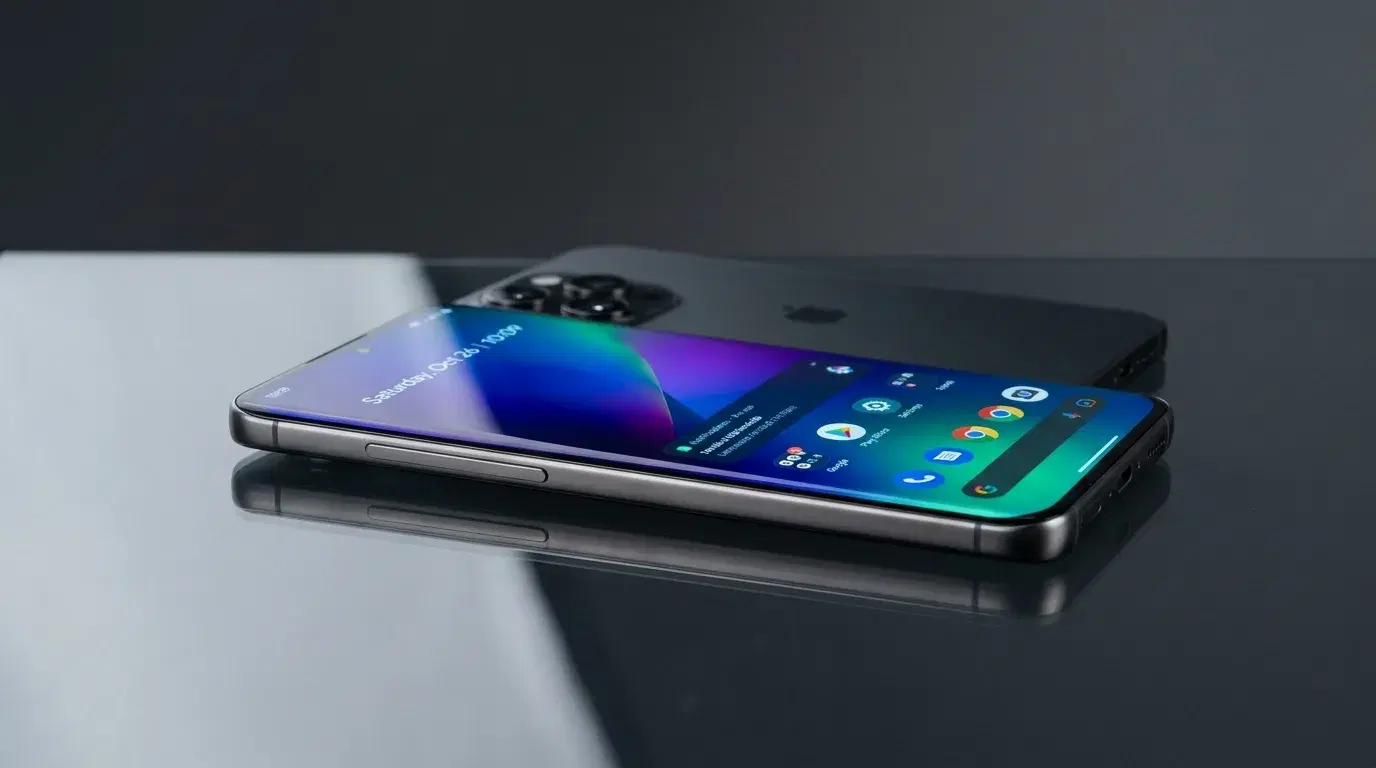
You've landed in a new country, your flight was long, and now you need directions to the taxi rank, a message to your hotel, and a working map, all before you've found the exit. Roaming charges make you hesitate, and hunting for a local SIM card at the airport wastes time you don't have. A travel eSIM solves this, but only if your phone supports it. If you carry a Galaxy, the first thing to settle is simple: which Samsung eSIM models actually work, and is yours one of them? Here's the current picture.
Does Samsung support eSIM? The short answer
Yes. Most Samsung Galaxy phones from the Galaxy S20 series (2020) onward support eSIM, including the flagship S line, the Z Fold and Z Flip foldables, and several recent A-series models. An eSIM is a digital SIM built into the phone, so you can download a mobile plan and connect without inserting a plastic card. On a Galaxy, the eSIM runs alongside the physical nano-SIM slot, which means you can keep your home number active and add a travel data plan at the same time.
The catch is that Samsung eSIM compatibility depends on where the phone was bought and which carrier sold it, not just the model name. A Galaxy S24 sold in one country may support eSIM while the same model from another region does not. That regional detail trips up more travelers than any other part of this topic, so it's worth checking your specific device rather than assuming.
The full list of Samsung eSIM models
According to Samsung's own support documentation, the following Galaxy phones support eSIM in at least some regions:
-
Galaxy S series: S20, S20+, S20 Ultra, S21, S21+, S21 Ultra, S22, S22+, S22 Ultra, S23, S23+, S23 Ultra, S24, S24+, S24 Ultra, S25, S25+, S25 Ultra, S25 Edge, and the S26, S26+, and S26 Ultra.
-
Galaxy Z foldables: the original Galaxy Fold, Z Flip and Z Flip 5G, and every Z Fold and Z Flip generation from the 2 and 3 onward through the latest Z Fold and Z Flip releases.
-
Galaxy Note: Note 20 and Note 20 Ultra.
-
Galaxy A series (select models): A35, A36, A54, A55, and A56, though eSIM on these is limited to certain regions such as Europe, North America, and Korea.
A few exceptions are worth knowing before you rely on your phone abroad. Most Galaxy "Fan Edition" (FE) models don't support eSIM; the Galaxy S23 FE is the notable exception that does. Galaxy devices originating from mainland China, Hong Kong, Macao, and Taiwan generally ship without eSIM. And some early US variants, including certain Galaxy S20, S21, and Note 20 Ultra units, have their own regional quirks. Because support can differ even within the same model line, Samsung's advice is to confirm the feature on your actual device.
If you also want to compare Apple's lineup for a travel companion's phone, this guide to iPhone eSIM models covers that side.
How to check if your Galaxy supports eSIM
The fastest way to confirm Galaxy eSIM support takes under a minute and doesn't require calling anyone. Open Settings, tap Connections, then tap SIM manager (labeled SIM card manager on some software versions). If you see an "Add eSIM" or "Add mobile plan" option, your phone supports eSIM. If that option is missing entirely, your device or its regional variant likely doesn't.
There's a second quick test. On the keypad, dial *#06#. If a 32-digit number labeled EID appears alongside your IMEI, the phone has eSIM hardware. No EID usually means no eSIM.
While you're checking, confirm one more thing: your phone needs to be carrier-unlocked to use a travel eSIM from an outside network. A Galaxy that supports eSIM but stays locked to the carrier that sold it may still reject a third-party plan. On many Galaxy models you can look under Settings and Connections for a network-unlock entry, but the most reliable route is to ask the carrier that originally sold the phone. Give yourself time before departure, since an unlock request can take a carrier a few days to process.
Setting up a Samsung travel eSIM before you fly
The smartest move is to install your Samsung travel eSIM at home, on your own Wi-Fi, before the trip. That way your phone is ready the moment you land instead of leaving you stuck on airport Wi-Fi. Setup takes a couple of minutes.
After buying a plan, you'll typically get a QR code or an app-based activation link. Then:
-
Open Settings, tap Connections, and tap SIM manager.
-
Tap Add eSIM, then choose to scan the QR code (or enter the details manually if your provider gives a code instead).
-
Once the plan installs, give the line a clear label like "Japan trip" so you can tell it apart from your home number.
-
In SIM manager, set the travel eSIM as your line for mobile data, and leave your home SIM on for calls and texts if you want to keep your number reachable.
Two settings matter for avoiding surprise charges. Turn off data roaming on your home line so your regular carrier doesn't quietly rack up fees, and turn data roaming on for the travel eSIM line, since many Galaxy travel plans won't connect abroad without it. This split, home line for calls with roaming off, eSIM for data with roaming on, is what keeps your bill predictable.
Most recent Galaxy phones can store multiple eSIM profiles and run dual SIM, so you can load plans for several destinations and switch between them in settings without swapping anything physical.
What reliable data actually does for your trip
Once your eSIM is active, arriving somewhere new gets far easier. A live connection the moment you step off the plane lets you open maps to find the right exit or platform, message your hotel that you're on the way, call a ride, and translate signs or menus you can't read. Being able to check your route and confirm a pre-booked airport transfer through Transpovia while still inside the terminal means you're moving with purpose instead of standing around looking for a signal.
It also pays to sort your transportation before you go. Mapping your airport-to-city route or booking a transfer through Transpovia in advance means a brief signal gap on arrival won't strand you, because the plan is already saved on your phone. Beyond the airport, steady data keeps digital tickets, reservations, ride-hailing apps, and messages to family all within reach, which is most of what you actually use a phone for while traveling.
When a Samsung eSIM might not be the right fit
An eSIM suits most Galaxy travelers, but not every situation. If your phone is an older model below the Galaxy S20 line, an FE edition other than the S23 FE, or a variant bought in a region where Samsung disables eSIM, the feature simply won't be there, and a physical local SIM is your backup. The same applies if your Galaxy is carrier-locked and you can't get it unlocked before the trip.
Coverage is the other consideration. An eSIM connects to local networks the same way a physical SIM does, so in destinations with patchy service, no digital plan can outperform the towers on the ground. And if you need to keep several devices online at once, such as a tablet and a laptop for long stretches, tethering from your Galaxy will drain its battery faster than a dedicated hotspot device would. For most solo travelers and couples, though, a Samsung travel eSIM covers the essentials without any extra hardware to carry.
FAQs
Does the Samsung Galaxy S26 support eSIM?
Yes. The Galaxy S26, S26+, and S26 Ultra all support eSIM and can run dual eSIM, alongside the physical nano-SIM slot. As with any Galaxy, regional variants sold in places like mainland China may differ, so confirm your specific unit if you bought it abroad.
Can you use an eSIM and a physical SIM on a Galaxy at the same time?
Yes. Samsung Galaxy phones that support eSIM keep their nano-SIM slot, so you can run your home physical SIM and a travel eSIM together. This lets you receive calls and texts on your usual number while using the eSIM for data abroad.
Does the Samsung Galaxy A-series support eSIM?
Only some models, and only in certain regions. The A35, A36, A54, A55, and A56 include eSIM, but availability is generally limited to areas like Europe, North America, and Korea. Most other and older A-series phones do not support eSIM, so check yours in SIM manager.
Can a Galaxy make calls on a travel eSIM, or is it data only?
Many travel eSIMs are data-only, meaning they don't come with a local phone number for regular calls or texts. You can still call and message over data using apps like WhatsApp, and keep your home SIM active for standard calls with roaming switched off.
Before You Leave Home
Open SIM manager and confirm your Galaxy shows "Add eSIM," check that the phone is unlocked, and install your travel plan over Wi-Fi before you fly. Set the eSIM as your data line with roaming on, and your home SIM for calls with roaming off. Map your airport transfer through Transpovia in advance, and you'll land ready to move.
"The eSIM only takes a minute to set up at home, but that minute is the difference between walking off the plane already connected and standing in the terminal hunting for Wi-Fi."


