
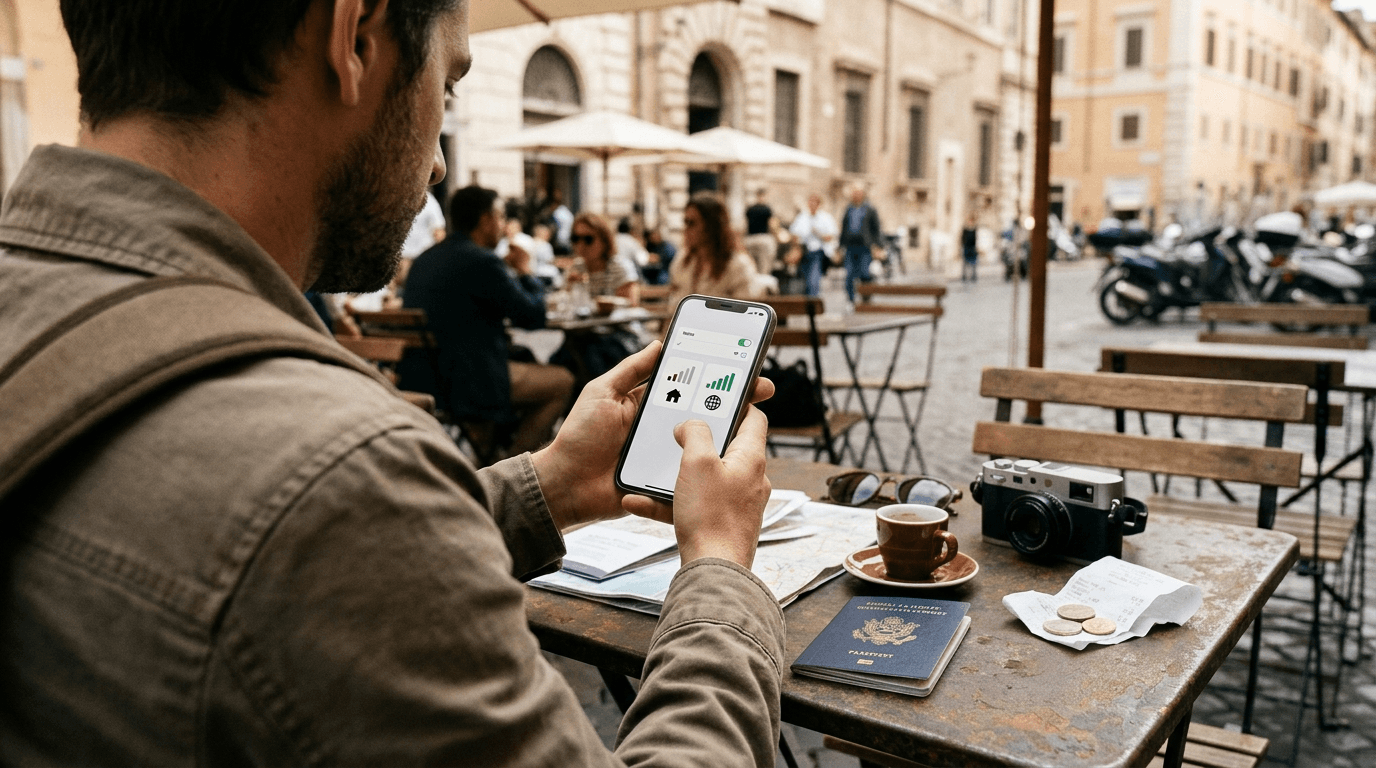
Most travelers worry about one thing before a long trip. Will my phone still ring? You can keep your number abroad without paying heavy roaming bills, and the fix takes one extra line on your phone. Your regular SIM or eSIM stays active for calls and texts. A travel eSIM handles the mobile data. Both live in the same phone, and you decide which one does what.
This guide explains how that dual SIM setup works, what to check before you fly, and how to avoid the charges that catch people off guard. It also covers bank codes, WhatsApp, and the few cases where the setup does not work.
Why Your Number Stays Put When You Add a Travel eSIM
Your phone number belongs to your mobile plan. It does not belong to the SIM card or to the phone. When you add a second line, your carrier does not notice and does not change a thing on your account.
Most travel eSIMs are data only. They give you internet access on a local network and nothing more. They have no phone number of their own, which means they cannot replace yours by accident. That is why this setup is safe. Your home line keeps its number, its voicemail, and its link to every account that uses it.
A phone with dual SIM support can hold two active lines at once. Many recent models handle one physical SIM and one eSIM together. Some newer models run two eSIMs. Either way, you get a main line and a travel line, and you choose which one carries data.
A few travel plans do include a phone number. They suit people who want a second local number. They do not suit people who want to keep the number everyone already knows, and that is why a data only plan is the cleaner pick for this goal.
What to Check Before You Fly
Preparation matters more than the setup itself. Ten minutes at home saves a stressful hour at the airport.
Confirm That Your Phone Supports eSIM and Is Unlocked
On an iPhone, open Settings, then General, then About, and look for an EID number. On many Android phones, dialing *#06# shows an EID, which tells you the phone supports eSIM. Your phone also needs to be free of carrier locks. A phone tied to one carrier may refuse an eSIM that belongs to another company. Your carrier can confirm the lock status in a short call or chat.
Pick the Right Data Plan
A travel eSIM for data abroad is the simplest add-on for this setup, because it gives you local internet while your home line stays reachable. Choose a plan that covers your destination, lasts for every day of your trip, and offers enough data for maps, ride apps, and messages. If you plan to stream video or work on a laptop through your phone, pick a larger plan. Read how the validity period starts too. Some plans begin counting days when you install the profile, and others begin when the phone first connects to a network in the country.
Ask Your Carrier About Roaming Rules
Call or message your home carrier and ask three things. Does your plan allow calls and texts in the country you are visiting? What does an incoming call cost you? What does a text cost? Many carriers sell a travel pass that covers calls and texts for a fixed daily fee. Others include certain countries in the base plan. The answers decide how you set up your main line.
Move Your Important Accounts to Safe Ground
If your bank sends login codes by text, you need your main line reachable. If you would rather not depend on roaming for that, switch the account to an authenticator app before you leave. Do the same for email and any other service that matters.
How to Set Up Dual SIM While Traveling
The exact menu names change between phones. The logic stays the same.
Step 1. Install the eSIM at Home
Install the travel eSIM while you are still on home Wi-Fi. Most providers send a QR code or an app link. Scan the code, follow the prompts, and give the new line a clear label, for example Travel. Do not delete the profile later, because many eSIMs cannot be reinstalled once removed.
Step 2. Set Your Default Lines
Open your phone settings and find the cellular or SIM section. Set your main line for calls and messages. Set the travel line for mobile data. Keep your main line switched on. Do not remove the physical SIM, because that cuts off the one line that holds your number.
Step 3. Turn Off Data Roaming on the Main Line
Open the settings for your main line and switch off data roaming. This single step protects you against the most common surprise bill. Your main line can still handle calls and texts, and your phone will not spend expensive roaming data in the background.
Step 4. Switch Off Automatic Data Switching
Some phones jump to the other line for data when the signal drops. On an iPhone, the setting is called Allow Cellular Data Switching. On Android phones, look for an option named mobile data switching or smart network switch. Turn it off. Otherwise your phone may pick the roaming line when the travel line weakens.
Step 5. Activate the Travel Line When You Land
Turn the travel line on once you reach your destination. Many providers ask you to enable data roaming for the travel line only. That is normal, because the eSIM connects through a partner network in the country. Follow the instructions that come with your plan, and test it with a map search before you leave the terminal.
How to Receive Calls Abroad Without a Surprise Bill
When someone dials your usual number, the call travels to the foreign network where your phone is registered. If your carrier allows roaming, your phone rings. In many countries, answering that call costs you money. Rates vary a lot by carrier and country, and your earlier call to your carrier tells you what to expect.
You have three practical choices to receive calls abroad.
-
Leave voice roaming on and accept the charge. This works for short trips and for people who expect urgent calls.
-
Turn off voice roaming and let unanswered calls go to voicemail. This protects your budget, and you can check voicemail later over data or Wi-Fi.
-
Ask your contacts to reach you through apps. WhatsApp and FaceTime use your travel data, and they show your regular number to the people you talk with.
Wi-Fi calling gives you a fourth option. Many carriers let you make and receive calls over Wi-Fi using your home number. Switch it on before you leave and test it once at home. It works well in hotels and cafes, and it often avoids the roaming charge.
My bank texts kept arriving on my usual number, and the travel eSIM handled maps and messages. I never touched my SIM card.
Texts, Bank Codes, and WhatsApp
Text messages go through your main line. If your carrier lets you receive texts abroad, codes sent by banks, delivery services, and airlines land in your normal inbox. Receiving a text is cheap or free on many plans. Some carriers charge for it, and a quick check saves you a bad surprise.
WhatsApp is tied to your phone number and not to your SIM. When you move your mobile data to the travel eSIM, the app keeps working on the same account, with the same chats and the same number. Do not register again and do not choose a new number when the app asks. If it ever asks you to verify, the code arrives by text on your main line, which is one more reason to keep that line on.
iMessage, FaceTime, Telegram, and Signal behave in the same way. They run on data, and they stay tied to the number you already use.
Banking apps can be fussy. Some check your location, and some treat a foreign network with suspicion. Tell your bank about your trip, and test the login on home Wi-Fi before you fly.
When Keeping Your Number Gets Harder
The setup works well on most modern phones. A few situations need a different plan.
Your phone has one SIM slot and no eSIM. You cannot run two lines at once. You can still use your carrier travel pass, set up Wi-Fi calling, or forward your calls to a free internet calling app. Forwarding rules differ by carrier, and a short call to yours settles it.
Your phone is locked to your carrier. Ask your carrier to release the lock before the trip. Some carriers need the phone to be paid off and active for a set period.
Your phone runs only one eSIM at a time. Newer phones can run two eSIM profiles together. Older models may store several profiles and use only one. Check your phone manual before you buy the travel plan.
Your plan blocks roaming. Certain prepaid and budget plans do not roam at all. Your number stays safe at home, and you will not receive calls or texts abroad. Apps on travel data become your main way to stay reachable.
Landing and Getting Your Ride Sorted
The first hour in a new country asks a lot of your phone. You need a map, a message to the person waiting for you, and often a driver who has to find you in a crowded arrivals hall. A working data connection before baggage claim makes all of that easy.
If you book your airport transfer in advance, think about which contact details you enter. Transpovia is a ground transportation marketplace where you can book airport transfers and private rides, and a booking asks for details a driver may need to reach you. Use a number that will work on arrival. Your home number does the job if your main line allows calls or texts abroad. If you plan to switch off voice roaming, add an email address you can open on data, and keep the confirmation saved on your phone.
Long flights often bring delays. Flight status, a changed pickup time, and a message your driver sends all travel over data. A travel eSIM keeps those messages arriving even if terminal Wi-Fi is weak.
Mistakes That Cost Travelers Money
A handful of errors cause nearly every roaming bill.
-
Leaving data roaming on for the main line. Check it on the plane, before the doors open.
-
Letting the phone switch data lines on its own. Turn off the automatic setting.
-
Removing the home SIM. That ends your reachability and often breaks bank codes.
-
Installing the travel eSIM at the arrival gate. Terminal Wi-Fi fails at the worst times, and home is the better place.
-
Skipping a test. Send a text, make a short call, and load a map before you leave home.
FAQs
Can I keep my number abroad with a travel eSIM?
Yes. A data only travel eSIM adds a second line for internet and leaves your main line untouched. Your number stays on your home plan, and you choose which line handles data in your phone settings.
Will I still receive calls abroad on my home number?
You can, if your carrier allows roaming and your main line stays on. Incoming calls may carry a charge, and your carrier can tell you the rate. Wi-Fi calling and app calls on travel data offer cheaper ways to stay reachable.
Does a travel eSIM change my WhatsApp number?
No. WhatsApp stays linked to the number you registered. It uses whichever data connection your phone is using, and the travel eSIM carries your chats and calls while your number stays the same.
Do I need a dual SIM phone?
You need a phone that can hold two lines. Most recent models can, using a physical SIM and an eSIM or two eSIMs. A single SIM phone with no eSIM support cannot run both lines together.
Should I turn off my main line while I travel?
Do not remove it, and do not switch it off fully if you want calls, texts, or bank codes. Turn off data roaming on it, and keep the line active for calls and texts.
Is a travel eSIM cheaper than roaming?
Prices vary by carrier, country, and plan. Compare your carrier travel pass with the eSIM plan for your exact destination and trip length before you decide.
Keep Your Number and Arrive Ready
The setup is simple once you see the logic. Keep your main line on for calls and texts, switch off its data roaming, and let a travel eSIM carry the internet. Test everything at home, tell the people who matter how to reach you, and save your booking details before you board.
When you book a private airport transfer with Transpovia before your trip, you can land with your phone and your ride both ready.


