
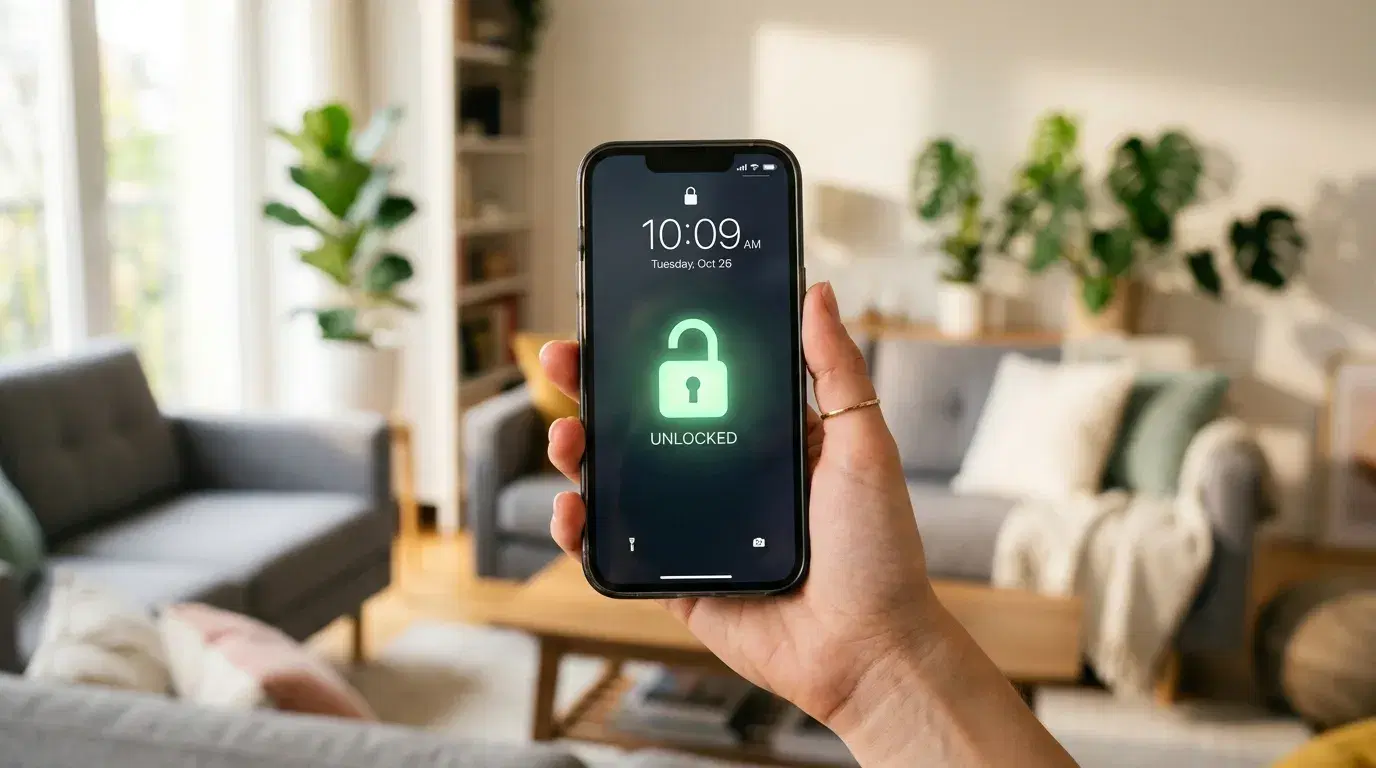
You've bought a travel eSIM, landed in a new country, and scanned the QR code, but the plan won't activate. Before you blame the provider, there's a more common culprit: a carrier lock. A travel eSIM only works if your phone accepts networks other than the one you bought it from. So the real question to settle before you fly is, "Is my phone unlocked?" This guide shows you how to check in about a minute on any iPhone or Android, and what to do if the answer is no.
What a carrier lock is, and why it matters for eSIM
A carrier lock, sometimes called a SIM lock, is a restriction that ties your phone to the network that sold it. Carriers often add this lock when you buy a phone on an installment plan or a discounted contract, so you can't take the device to a competitor until you've paid it off or met their terms.
Here's why this matters for travel. A locked phone will only connect using a SIM or eSIM from its home carrier. When you install a travel eSIM from a different network, a locked phone rejects it, often with a message like "SIM Not Supported" or a request for an unlock code. The eSIM itself is fine; the phone is simply refusing an outside network.
An unlocked phone has no such restriction. It accepts a physical SIM or eSIM from any compatible carrier, which is exactly what you need when you land abroad and want a local data plan instead of expensive roaming. This is a separate thing from whether your device supports eSIM at all. A phone can support eSIM but still be carrier locked, and both need to be sorted before your trip. If you're not sure your handset has the feature, this list of eSIM compatible phones is a good place to start.
How to check if your iPhone is unlocked
On an iPhone, you can read the lock status straight from the device in about fifteen seconds. Open Settings, tap General, then tap About. Scroll down to the line labeled Carrier Lock. If it says "No SIM restrictions," your iPhone is unlocked and will accept a travel eSIM. If it shows a carrier's name or "SIM locked," the phone is still tied to that network.
This built-in check appears on iPhones running iOS 14 or later, which covers essentially every iPhone in regular use. Apple confirms the same method in its official support material and notes something worth remembering: Apple itself can't unlock your iPhone. Only your carrier can. On older devices running iOS 13 or earlier, the Carrier Lock line may not appear, and you'll need to test a different carrier's SIM or ask the original carrier directly.
There's a useful shortcut for anyone buying a used iPhone. Ask the seller to open that same screen and send a live screen recording rather than a still screenshot, since a screenshot is easy to fake or borrow from another device.
How to check the unlock status on Android
Checking phone unlock status on Android takes a little more patience, because there's no single screen that works across every brand the way Carrier Lock does on iPhone. Google's own Pixel software, for example, doesn't offer one universal lock-status line, so the approach depends on your phone.
On a Samsung Galaxy, open Settings, tap Connections, then More connection settings, and look for a Network unlock option. Depending on your carrier and One UI version, this screen may show your network-lock status or offer unlock choices. If a Network unlock entry appears at all, the phone is or was carrier locked. Keep in mind that Samsung says the carrier, not Samsung, sets the unlock rules.
For a Pixel or another Android phone, a few practical tests give you a strong answer:
-
Open Settings, go to your network or mobile settings, and look at the list of available network operators. If several carriers appear when you search, that points to an unlocked phone.
-
Try adding an eSIM profile. If your phone reaches the setup screen without a "not supported" or "carrier not authorized" error, that's good evidence it's unlocked.
-
Test a SIM or eSIM from another network if you have one. If calls, texts, or data work, the phone is unlocked.
None of these Android checks is as definitive as the iPhone's Carrier Lock line, so if the results look mixed, confirm with the carrier that originally sold the phone.
The most reliable check: your IMEI and the original carrier
When the on-device menus leave you guessing, your IMEI number settles it. The IMEI is a unique identifier for your specific handset, and the carrier that sold the phone can use it to confirm the exact lock status from their records.
To find your IMEI, dial *#06# on the keypad, or look under Settings > General > About on an iPhone, or Settings > About phone on Android. Then contact the original carrier's support line or their online unlock-status checker and give them that number. This is the one method that works even without physically swapping SIM cards, which makes it handy when you're checking a phone before buying it.
A word of caution on the many third-party "IMEI unlock check" websites. Some are legitimate, but others exist mainly to collect IMEI numbers, and none can actually remove a carrier lock. Starting with your own carrier is safer and usually free.
How to unlock your phone before you travel
Only your carrier can remove a SIM lock, so the process starts with a request to them. Most carriers will unlock a phone once you've met their conditions, which typically include finishing your contract or paying off the device balance, keeping the account in good standing, and confirming the phone wasn't reported lost or stolen.
Timelines and rules vary by carrier and even by when you bought the phone, so check your provider's current policy rather than relying on an old rule of thumb. In the United States, for instance, Verizon applied a 60-day lock period to devices bought before January 27, 2026, then moved to a different policy tied to payment and contract terms for phones purchased on or after that date. Details like this shift, which is exactly why a quick check with your own carrier beats guessing.
Once the carrier confirms the unlock, finish the process on the phone. On an iPhone, remove and reinsert a SIM, or check that Carrier Lock now reads "No SIM restrictions." Give yourself a buffer of at least a few days before departure, since an unlock request can take a carrier some time to complete. Sorting this out early also means you can set up airport transfers and local transport through Transpovia in advance, knowing your phone will actually connect the moment you land instead of leaving you stranded at arrivals.
Getting online the moment you land
Once your phone is confirmed unlocked and your eSIM is installed, arriving in a new country gets much simpler. Live mobile data lets you open maps to find the right exit or taxi rank, message your hotel that you're on the way, call a ride, translate signs and menus, check whether your gate or platform changed, and pull up digital tickets or reservations without hunting for public WiFi.
That first hour after landing is where a working connection earns its keep. You can confirm a pre-booked airport transfer, follow the route Transpovia mapped out for reaching the city, and keep family updated, all before you've left the terminal. The unlock check you did at home is what makes all of that possible; a locked phone would leave you stuck on airport WiFi, guessing at directions.
FAQs
Does my phone need to be unlocked to use a travel eSIM?
Yes. A travel eSIM connects through a network other than your home carrier, and a locked phone rejects outside networks. Your phone also needs to support eSIM in the first place. Both the unlock status and eSIM compatibility should be confirmed before you travel.
Can a phone support eSIM but still be carrier locked?
Absolutely, and this trips up a lot of travelers. eSIM support is a hardware and software feature, while a carrier lock is a network restriction the carrier applies separately. A brand-new phone bought on a carrier plan may have eSIM built in yet still refuse a travel plan until it's unlocked.
How long does it take a carrier to unlock a phone?
It varies by carrier and your account status, ranging from almost immediate to several days. Because timing and eligibility rules differ, request the unlock well before your trip rather than the night before your flight.
Is a carrier lock the same as a SIM PIN or Activation Lock?
No. A carrier lock restricts which networks can activate the phone. A SIM PIN is a code that protects the SIM itself, and an Activation Lock (or iCloud lock) ties an iPhone to an Apple ID for security. Only the carrier lock affects whether a travel eSIM will work.
One Last Check Before Departure
Open your phone's settings and confirm the lock status now, not at the airport. On iPhone, look for "No SIM restrictions" under Carrier Lock; on Android, check your network-unlock screen or test another network. If it's locked, contact your carrier early. With an unlocked, eSIM-ready phone, you can set up your transport through Transpovia and land ready to move.
"The unlock check takes a minute at home and saves you an hour of frustration at the airport. It's the easiest thing to forget and the worst thing to discover after you've landed."


