
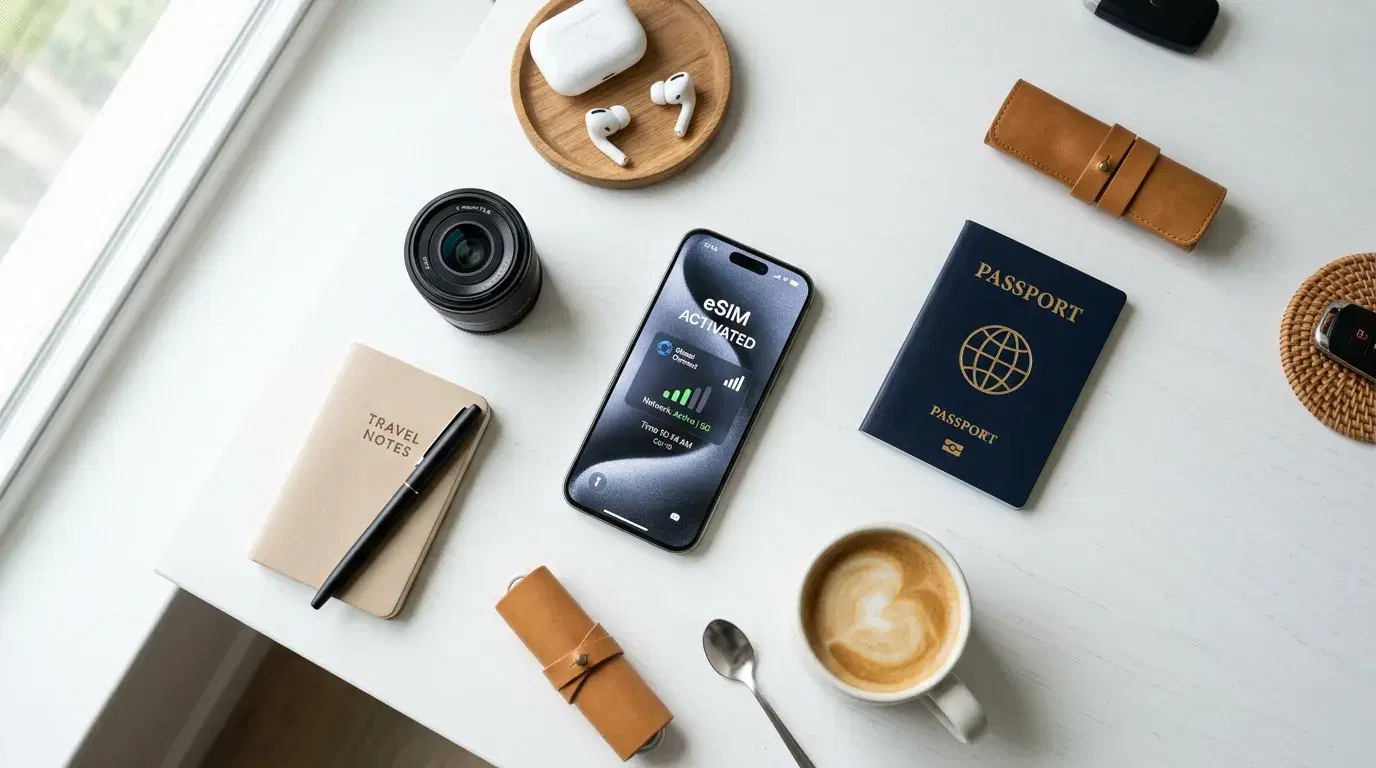
You've booked an international trip and want data ready the moment you land — no queuing at an airport SIM counter, no swapping tiny cards while jet-lagged. An eSIM handles that, but first you need to know whether your iPhone can use one. The short version: nearly every recent iPhone can. Knowing exactly which iPhone eSIM models qualify, and which ones dropped the physical SIM slot entirely, saves you from surprises at the gate. Here's the complete compatibility picture before you fly.
The Quick Answer: Every iPhone Since 2018
Every iPhone from the iPhone XS, XS Max, and XR (2018) onward supports eSIM. That covers the entire iPhone 11, 12, 13, 14, 15, 16, and 17 series, the iPhone Air, and the second- and third-generation iPhone SE. If your iPhone was made in 2018 or later, it almost certainly takes an eSIM.
The clear cutoff is the iPhone X and earlier. Those models have no eSIM hardware, so a travel eSIM won't work on them no matter what. If you're carrying an iPhone X, 8, or older, you'll still need a physical SIM.
For everyone with a newer model, the question isn't really whether your iPhone supports eSIM — it's how it supports it, since that changed in some important ways across generations.
iPhone eSIM Compatibility by Generation
The hardware is there from the iPhone XS forward, but the capabilities improved over time. Here's how iPhone eSIM compatibility breaks down:
-
iPhone XS, XR, 11 series, 12 series, SE (2nd gen): Support one eSIM profile active at a time, alongside a physical nano-SIM. You can store profiles but run only one eSIM line at once.
-
iPhone 13 series and later: The first to run two eSIM profiles active at the same time — useful for keeping a home line and a travel line going together.
-
iPhone 14, 15, 16, and 17 series: Full dual eSIM, with room to store several profiles (up to eight) and two active at once.
That dual-eSIM capability on newer models is genuinely handy for travel. You can keep your home carrier on one eSIM line and add a travel data plan on the second, without touching a physical card at all.
If you're unsure whether your specific model is ready to accept an outside plan, it's worth confirming both the eSIM support and the lock status — this guide on is my phone unlocked walks through that second check, which matters just as much as the hardware.
The eSIM-Only iPhones: What Changed with iPhone 14
Here's the shift that catches travelers off guard. Starting with the iPhone 14 series, Apple removed the physical SIM tray entirely from US models. That makes the US versions of the iPhone 14, 15, 16, 16e, and 17 series eSIM-only — there's no slot to insert a nano-SIM at all.
According to Apple's own support documentation, the models sold as eSIM-only in the United States include the iPhone 14, 15, and 16 lines, and the iPhone 17 series is eSIM-only in a wider set of markets: the United States, Canada, Mexico, Japan, the United Arab Emirates, Saudi Arabia, Bahrain, Kuwait, Qatar, Oman, and a few others.
For US travelers, this has a practical consequence: you can't fall back on a foreign physical SIM abroad, because there's nowhere to put one. Your options are your carrier's international roaming or a travel eSIM added digitally. That's not a downside so much as a nudge toward setting up an eSIM before you leave home.
The iPhone Air goes furthest of all. It's the first iPhone to be eSIM-only in every market worldwide, with no physical SIM tray in any region and no separate regional variant.
Regional Differences You Need to Know
Where you bought your iPhone changes the picture, and this is where general advice falls short. The same model can behave differently depending on the country of purchase.
-
United States: iPhone 14 and later are eSIM-only, as covered above.
-
Outside the US (most regions): iPhone 14, 15, 16, and 17 models keep a nano-SIM tray alongside eSIM, so you get both.
-
Mainland China: Historically, iPhones sold here used dual physical nano-SIMs and did not support eSIM at all. Per Apple, that's now changing — in mainland China, only the iPhone 17e and iPhone Air support eSIM.
-
Hong Kong and Macao: Certain iPhone models here feature Dual SIM with two nano-SIM cards rather than eSIM.
One more regional rule worth knowing: you can't use an eSIM from a mainland China carrier on a device bought outside mainland China, and vice versa. If you bought your phone in any of these regions, check your exact model before assuming eSIM will work.
Being Compatible Isn't Enough: The Carrier Lock
A compatible iPhone can still refuse a travel eSIM if it's carrier-locked. This trips up more travelers than hardware compatibility does, so it's worth a separate check.
A carrier-locked iPhone rejects eSIM profiles from other providers, even though the hardware fully supports eSIM. Phones bought outright or SIM-free are usually unlocked. Phones bought on a carrier installment plan are often locked until the device is paid off. If you're not certain, contact your home carrier and ask them to unlock it — most do this for free once your contract is complete. Do this a few days ahead, since an unlock request isn't always instant.
To confirm eSIM support directly on the phone, open Settings, tap General, then About, and look for an EID number near the bottom. If it's there, the hardware is ready. You can also check for an "Add eSIM" option under Settings, then Cellular.
Why It Matters for Your Trip
Confirming your iPhone's eSIM status before departure is what lets the technology do its job. Install a plan at home, and you land with working data instead of standing in an arrivals hall searching for Wi-Fi. That data pulls up airport directions, opens your maps, lets you message your hotel, and gets a ride booked. If your airport pickup is already arranged through a service like Transpovia, working data on arrival means you can confirm and track the ride without connecting first.
There's a planning gain too. Sorting both connectivity and ground transport before you fly — for instance, booking your airport transfer with Transpovia ahead of time — leaves fewer decisions for when you're tired and unfamiliar with your surroundings. An iPhone you've already confirmed is eSIM-ready is the first piece of that.
Once You've Confirmed Compatibility, What Next?
Knowing your iPhone takes an eSIM is step one. A few practical points help you make the most of it once you've confirmed the hardware and the unlock.
Most travel eSIMs are data-only. That's fine for the majority of trips, since apps like WhatsApp, FaceTime, and iMessage handle calls and messages over data. If you specifically need a local number with voice and SMS, check that the plan includes it before buying, because many don't. You can also keep your home number reachable on a separate line thanks to dual SIM.
On how much data to buy: most travelers use somewhere around 1GB per day, with light users closer to half that and heavy users well above it. Navigation is far cheaper than people expect — basic Google Maps use runs only a few megabytes per hour — while streaming video is what drains a plan fast. A useful habit before you fly is to download offline maps of your destination over home Wi-Fi, which cuts your maps data sharply and gives you directions even if activation is briefly delayed.
If you want to share your connection with a laptop or a companion's phone, confirm your plan allows hotspot use, since tethering support varies by provider. With iOS 26, your iPhone may also prompt you to choose whether a travel eSIM is for use at home or abroad, and offer to switch it on automatically when you reach your destination.
FAQs
Which iPhones are eSIM-only with no physical SIM?
US models of the iPhone 14, 15, 16, 16e, and 17 series have no physical SIM tray and rely entirely on eSIM. The iPhone Air is eSIM-only in every country worldwide. Every other current iPhone sold outside the US keeps a nano-SIM slot alongside its eSIM support.
Can older iPhones use a travel eSIM?
Yes, as long as the iPhone is from 2018 or later — the iPhone XS, XR, and everything newer. On those earlier eSIM models (XS through iPhone 12 and the SE 2nd gen), you can run one eSIM line at a time alongside your physical SIM. The iPhone X and earlier have no eSIM hardware and can't use one.
How do I check if my iPhone supports eSIM?
Open Settings, tap General, then About, and scroll to look for an EID number. If you see one, your iPhone has eSIM hardware. Alternatively, go to Settings, then Cellular, and look for an "Add eSIM" option. If neither appears on a recent model, confirm your regional variant and carrier support.
Can I use my iPhone's eSIM and keep my home number active?
Yes. Most eSIM iPhones support dual SIM, so your home number stays active for calls and texts while the eSIM carries data abroad. On the iPhone 13 and later, you can even run two eSIM lines at once. Just switch off data roaming on your home line to avoid extra charges.
Before You Travel
Check your iPhone today: look for an EID number under Settings, General, About, and confirm the phone is unlocked. Both need to be true before a travel eSIM will work. Once they are, install your plan at home and book your airport transfer with Transpovia, so data and transport are handled before you land.
"The best time to find out your phone takes an eSIM is at your kitchen table, not at a foreign arrivals gate with a dead map and a taxi line getting longer."


