
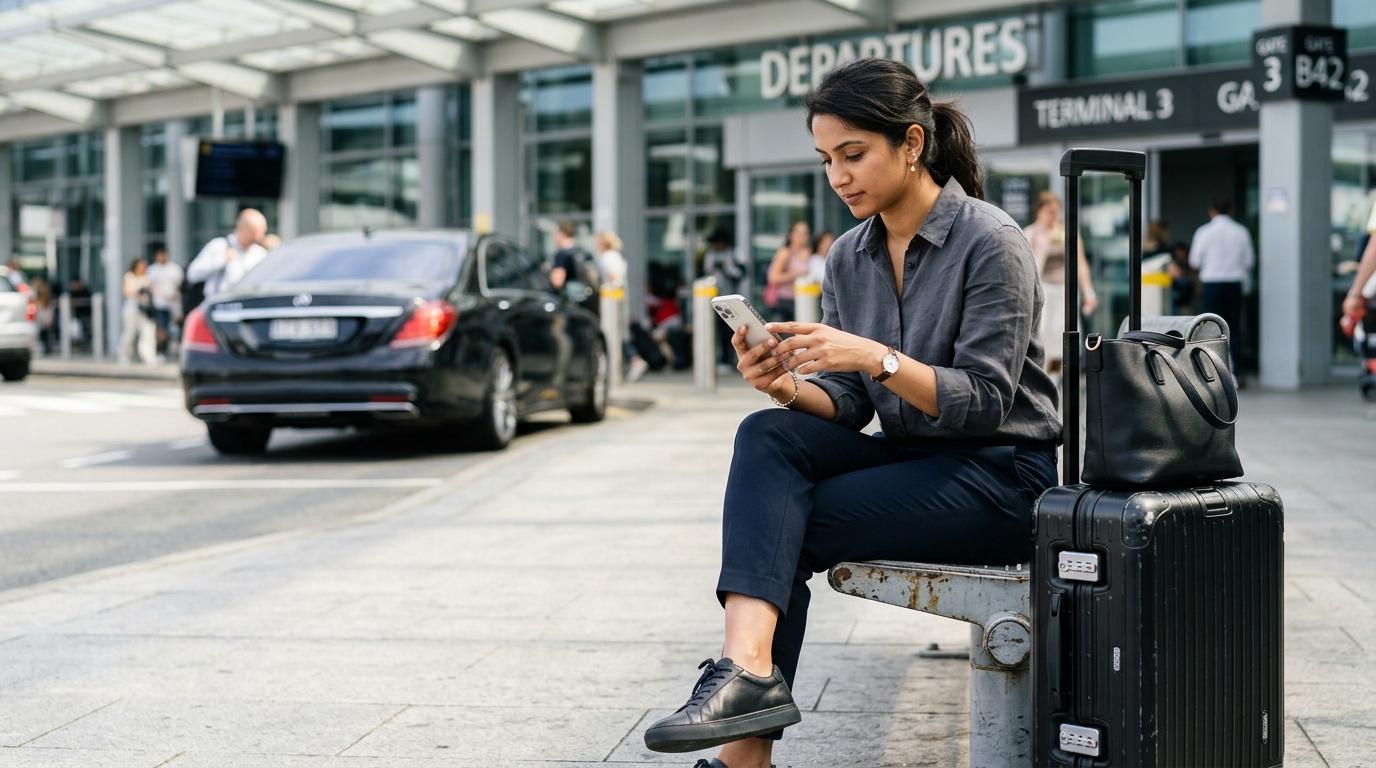
Landing in a new country without internet access can turn a simple airport exit into a problem. Maps won't load, the ride-hailing app won't connect, and the hotel confirmation is buried in an email you can't check. Two solutions solve this before it happens: turning on your carrier's international roaming, or installing an eSIM. The right choice usually comes down to cost, trip length, and how much data you actually need — and that comparison is where most travelers get stuck.
What Roaming Actually Does
International roaming lets your home SIM connect to a partner network abroad, using your existing phone number and carrier account. You don't install anything new — your phone finds a local network automatically and bills you through your regular plan or a travel add-on.
The catch is pricing. Outside regions with reciprocal agreements, roaming rates can run far higher than domestic data costs, and some carriers still charge per megabyte once you exceed a bundled allowance. Travelers within the European Union and European Economic Area are a notable exception: the "Roam Like at Home" rule lets EU/EEA residents use calls, texts, and data at domestic rates across the bloc, with a regulated surcharge only after a fair-use data cap is exceeded. As of 2026, that zone also includes Ukraine and Moldova, though it still does not cover the United Kingdom or Switzerland. Outside that zone, roaming charges vary widely by carrier and destination, so check your provider's current rates before departure rather than assuming a flat fee.
What an eSIM Actually Does
An eSIM is a digital SIM card built into your phone's hardware. Instead of inserting a physical chip, you activate a mobile plan by scanning a QR code or installing a profile through a carrier's app. Once activated, the eSIM connects to a local or regional network using a prepaid data plan you choose ahead of time, separate from your home carrier account.
Because there's no physical card to swap, you can set up an eSIM before you leave home and activate it only when you land — or even while still on the plane if the aircraft has Wi-Fi. This is one advantage eSIMs hold over eSIM vs physical SIM shopping at the airport: there's no counter to find, no queue, and no risk of losing a tiny SIM tray pin.
eSIM Compatibility and Phone Requirements
Not every phone supports eSIM, and not every eSIM-capable phone is set up to use it. Before buying a travel eSIM, confirm two things: that your device has eSIM hardware, and that it's carrier-unlocked.
On iPhones, eSIM support began with the iPhone XS, XS Max, and XR in 2018, and every model released since has included it. In the United States, the iPhone 14 and later models dropped the physical SIM tray entirely and rely on eSIM only, while international versions of the same phones typically still support a physical SIM alongside an eSIM. On Android, eSIM support started later and varies more by manufacturer — Samsung's Galaxy S20 series and newer flagship models support it, along with most Galaxy Z Fold and Z Flip devices. Google Pixel models from the Pixel 3 onward generally support eSIM as well, though availability can still depend on your carrier and country.
To check your own phone:
-
iPhone: Go to Settings → Cellular (or Mobile Service) and look for "Add eSIM."
-
Android: Go to Settings → Network & Internet → SIMs, and look for "Add eSIM" or "Download a SIM instead."
-
Unlock status (iPhone): Settings → General → About → Carrier Lock should read "No SIM restrictions."
-
Unlock status (Android): Settings → About Phone → Status → SIM status, checking whether it's tied to a specific carrier.
Phones purchased on an installment plan or bundled with a carrier contract are sometimes locked even if they physically support eSIM, which blocks activation of a second plan. If your phone is locked, contact your carrier to request an unlock before your trip, since this can take a few days to process.
Regional variations matter too. iPhones sold in mainland China typically don't support eSIM due to local regulations, and some carrier-branded Android phones disable the feature to discourage switching providers. If you're unsure, search your exact model number alongside "eSIM support" on the manufacturer's official site rather than relying on general model-line guidance.
eSIM vs Roaming vs Physical SIM
|
Option |
Main Advantage |
Main Drawback |
Best For |
|
Home carrier roaming |
No setup required; keeps your existing number active |
Can be expensive outside reciprocal-rate zones |
Short trips or emergency backup connectivity |
|
Travel eSIM |
Set up before departure; often cheaper than roaming for data |
Usually data-only; may lack a local phone number |
Trips of a few days to several weeks where data matters most |
|
Physical local SIM |
Often the cheapest per-gigabyte rate; may include calls and SMS |
Requires finding a shop, may need ID, ties up your SIM slot |
Longer stays in one country where a local number is useful |
For most short international trips, an eSIM tends to cost less than standard roaming, particularly outside regions with reciprocal roaming agreements. That said, pricing depends entirely on your home carrier's roaming plan and the eSIM provider you choose, so compare actual rates for your specific route rather than assuming one option always wins.
How to Install an eSIM Before You Leave
Most eSIM providers let you complete setup entirely before departure, which avoids fumbling with settings after a long flight.
-
Buy the plan online. Choose a data allowance that matches your trip length and expected usage.
-
Connect to Wi-Fi. Activation requires an internet connection, so do this at home, at the office, or at the airport before boarding.
-
Scan the QR code or install via app. The provider sends a code or app-based installer; follow the on-screen prompts to add the eSIM profile.
-
Label the new line. Most phones let you name each SIM (e.g., "Home" and "Travel") so you don't mix up data usage later.
-
Leave it inactive until you land. Many eSIMs let you install now and activate later, so the data plan doesn't start counting down before your trip begins.
If activation fails, the most common causes are a weak Wi-Fi signal during setup, an already-installed eSIM profile taking up the available slot, or a phone that's still carrier-locked. Restarting the phone and reinstalling the profile resolves most one-off failures.
What to Do After Landing
Direct answer: After landing, turn on the travel eSIM as your active data line, switch off cellular data (not the whole SIM) on your home line to avoid accidental charges, and confirm your messaging apps are set to use Wi-Fi or the new eSIM rather than defaulting to the old line.
Keeping your home SIM installed but inactive for data means you can still receive calls and texts on your regular number, which matters if your bank or a delivery service needs to reach you. Just double-check that data roaming is switched off for that line specifically, since some phones re-enable it automatically after a software update.
From the terminal onward, having working data changes how the rest of the arrival goes. Checking a live map before finding transport, confirming a hotel's exact address, or booking a ride the moment you clear customs all depend on a working connection — and this is exactly the stretch of a trip where Transpovia's transportation planning tools are designed to help, since getting from the airport to your accommodation is often the first real test of a new destination.
Data Usage and Choosing a Plan Size
How much data you need depends heavily on what you're doing, not just how long you're traveling. Mapping and messaging use relatively little data — often under 500MB for several days of moderate use — while streaming video, video calls, or using data as a laptop hotspot can consume several gigabytes daily.
A rough starting point:
-
Light use (maps, messaging, occasional browsing): 500MB–1GB per day
-
Moderate use (social media, some streaming, ride-hailing apps): 1–2GB per day
-
Heavy use (video calls, hotspot for a laptop, frequent streaming): 3GB+ per day
Most travel eSIM plans are data-only and don't include calls or SMS over the cellular network, though many support internet-based calling through apps like WhatsApp or FaceTime. If you need a local phone number for calls, confirm whether your chosen eSIM plan includes one, since not all do — this is a detail worth checking before you buy the avoid roaming charges abroad plan that looks cheapest, since a data-only plan without calling can leave you needing a second solution.
When an eSIM Might Not Be the Best Choice
An eSIM isn't automatically the right answer for every trip. If your destination has patchy eSIM provider coverage, if you're traveling somewhere your phone can't be unlocked in time, or if you're staying in one country long enough that a local physical SIM offers better value, roaming or a local SIM may serve you better. Business travelers who need a stable, verified local number for work calls sometimes still prefer a physical SIM from a local carrier, since number verification and customer support can be more straightforward.
For very short trips of a day or two where data needs are minimal, checking whether your home carrier already includes reasonable roaming rates for that specific country can also save you the step of buying and installing anything new.
It's also worth thinking about connectivity in the context of the whole itinerary, not just the flight. Booking airport transfers or intercity transport ahead of time through a service like Transpovia often works better with a live connection on both ends of the trip — one to confirm the booking before you leave home, and another to find the driver or pickup point once you've landed.
FAQs
Is an eSIM cheaper than roaming?
Usually, yes, for data-heavy trips outside a reciprocal roaming zone like the EU/EEA. But exact savings depend on your home carrier's specific roaming rates and the eSIM plan you choose, so it's worth comparing both before you decide.
Can I use an eSIM and keep my regular SIM active at the same time?
Yes. Most eSIM-compatible phones support dual SIM use, letting you keep your home line active for calls and texts while using the eSIM for data. Just make sure data roaming is turned off on your home line to avoid unexpected charges.
Do I need to unlock my phone to use a travel eSIM?
In most cases, yes. Carrier-locked phones often can't add a second network profile, even if the hardware supports eSIM. Check your unlock status before buying a plan.
What happens if I land and my eSIM won't activate?
Try connecting to airport or hotel Wi-Fi and reinstalling the profile, since activation requires an internet connection. If it still fails, most eSIM providers offer chat-based support, and airport Wi-Fi is usually enough to get things running while you troubleshoot.
Before You Leave Home
Confirm your phone is eSIM-compatible and unlocked, install your travel eSIM while still on Wi-Fi, and decide in advance how much data your trip realistically needs. A few minutes of setup before departure means one less thing to figure out once you land — which is exactly when Transpovia's route and transfer planning becomes useful, since a working connection lets you act on it immediately.
"I stopped worrying about airport Wi-Fi the moment I started setting up my data before the flight instead of after landing."


