
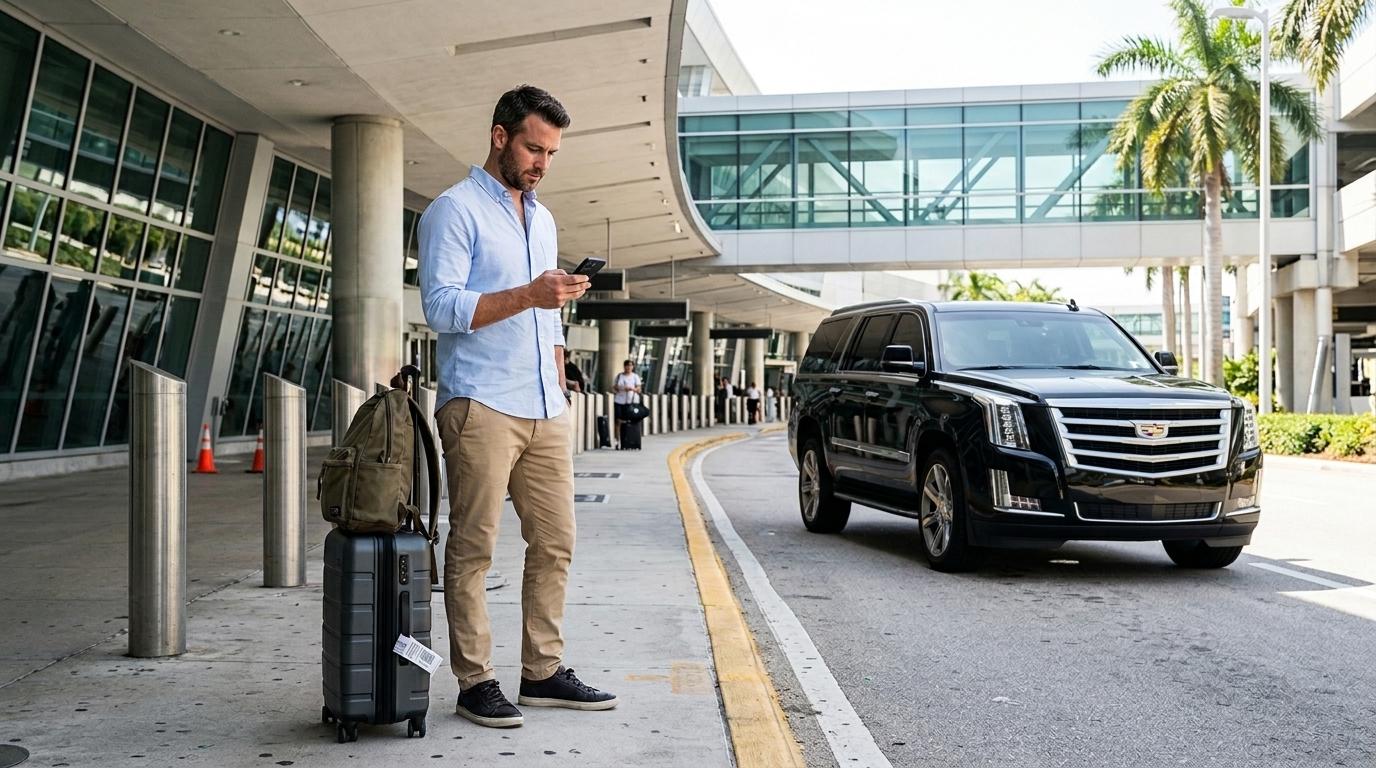
You land after a long flight, turn off airplane mode, and reach for your phone. You want to check your hotel address, open the map, find your airport pickup details, or message someone waiting for you. Then you notice there is no mobile data.
That small problem can make the first few minutes of a trip much harder than they need to be.
Choosing between an eSIM and a physical SIM before you travel helps you avoid that situation. Both connect your phone to a mobile network, but the way you get and manage them differs. For many travelers, an eSIM offers the easiest way to get online before leaving home. A physical SIM still makes sense for some phones and destinations.
What's the Difference Between an eSIM and a Physical SIM?
The main difference comes down to how you install the SIM.
A physical SIM is a small removable card that goes into your phone's SIM tray. You normally buy one from a carrier, airport shop, local store, or another provider and insert it into your phone.
An eSIM works differently. The phone contains a built-in SIM chip, so you download and activate a mobile plan digitally. Most travel eSIM providers give you a QR code or an app that guides you through the installation.
Once activated, both types of SIM connect your phone to a mobile network. The difference matters most when you're preparing for a trip, changing numbers, or trying to get connected as soon as you arrive.
For a traveler, the biggest advantage of an eSIM comes before the flight. You can purchase and install your plan at home while connected to Wi-Fi instead of searching for a SIM shop after landing.
eSIM vs Physical SIM: A Quick Comparison
|
Feature |
eSIM |
Physical SIM |
|
Installation |
Digital setup |
Insert a physical card |
|
Need to visit a store |
Usually no |
Often, especially for local SIMs |
|
Works on older phones |
Limited |
Usually |
|
Easy to prepare before travel |
Yes |
Not always |
|
Can keep another SIM active |
Often yes |
Depends on phone |
|
Risk of losing the card |
None |
Possible |
|
Phone compatibility |
Requires eSIM support |
Wider compatibility |
|
Best for |
Travelers who want to prepare before departure |
Older phones or local SIM purchases |
Neither option wins every time. Your phone, destination, carrier, and travel habits all matter.
For many international travelers, though, an eSIM offers one important convenience: you can get your connection ready before you leave.
What Are the Advantages of an eSIM for Travel?
The biggest benefit comes down to preparation.
You can buy a travel plan before your trip, install it at home, and keep it ready until you reach your destination. You do not have to remove your regular SIM or look for a mobile shop while carrying luggage through an unfamiliar airport.
An eSIM also makes it easier to use two lines on compatible phones. You might keep your regular number available for calls and texts while using the travel eSIM for mobile data.
That setup works well when you need your phone immediately after landing. You can use maps, messaging apps, translation tools, airline apps, and transportation information without first finding public Wi-Fi.
There are a few downsides. Your phone must support eSIM, and it needs to remain unlocked if you want to use a plan from another provider. Some travel eSIMs also provide data only, so they may not include a local phone number, calls, or SMS.
A physical SIM may still offer better value in some destinations, particularly when local prepaid plans cost less and are easy to purchase.
Does Your Phone Support eSIM?
Before purchasing an eSIM, check your exact phone model and region. Having a newer phone does not always guarantee eSIM support because manufacturers sometimes sell different versions in different markets.
Many recent iPhones, Samsung Galaxy phones, and Google Pixel devices support eSIM. However, compatibility varies by model, country, and carrier.
Your phone also needs to be unlocked. A carrier-locked phone may prevent you from activating a travel eSIM from another network.
On an iPhone, you can usually check under Settings > Cellular and look for an option to add an eSIM. Android menu names differ between manufacturers, but you can often find eSIM information under Settings > Connections or Settings > Network & Internet.
When you're unsure, check the manufacturer's specifications for your exact model rather than relying only on the phone series name.
How to Set Up an eSIM Before Your Flight
One reason travelers choose eSIMs is the ability to prepare everything at home.
You generally need a Wi-Fi connection during installation. Your provider may send a QR code, activation details, or instructions through its app.
A simple setup routine looks like this:
-
Check that your phone supports eSIM.
-
Confirm that the phone is unlocked.
-
Purchase a plan that covers your destination.
-
Install the eSIM while connected to Wi-Fi.
-
Label the travel line so you can identify it easily.
-
Set the travel eSIM as your mobile data line when appropriate.
-
Turn off data roaming on your regular line to avoid unexpected charges.
You don't necessarily need to activate the travel plan immediately after installation. Some plans start when they connect to a supported network, while others follow different activation rules. Read the provider's terms before switching anything on.
It also helps to install your eSIM before you leave home. Waiting until you arrive creates an unnecessary problem if airport Wi-Fi proves slow, crowded, or unavailable.
Why Mobile Data Matters When You Arrive
This is where having your phone ready before a trip becomes more useful than it might seem.
After a long flight, you may need to find your terminal exit, check your hotel reservation, open a map, or look up transportation information. A working data connection lets you handle those tasks without searching for Wi-Fi.
It also matters when you have arranged your airport transportation in advance.
Suppose you land in a city you've never visited before. Instead of looking for a taxi counter or deciding how to reach your hotel after landing, you already have an airport transfer booked. With your eSIM working, you can open your booking confirmation, check the pickup instructions, view the meeting point, and contact your driver when necessary.
That's one reason it makes sense to treat mobile data and airport transportation as part of the same pre-trip preparation.
With Transpovia, you can arrange your private airport transportation before you travel, giving you one less decision to make after a long flight. Once you land, your eSIM keeps your phone connected so you can access the transfer details and stay in contact during the journey from the airport.
The combination is simple: prepare your connection before departure and prepare your transportation before arrival.
Using an eSIM for International Travel
An eSIM becomes especially useful during the first few hours of an international trip.
You can check maps as soon as you leave the aircraft, look up directions, message your hotel, translate signs, or check an updated pickup instruction. You don't have to spend the first part of your trip looking for a SIM shop.
It can also make unexpected changes easier to handle. A delayed flight might change your arrival time. A train cancellation might affect your hotel plans. With mobile data available, you can check updates and contact the people or services involved.
The same applies to your airport transfer. When you've booked Transpovia ahead of time, you can access your transportation details from your phone and follow the pickup instructions after landing. If you need to check a message or contact your driver, you already have the connection needed to do so.
Most travel eSIMs focus on data rather than traditional voice service. That usually works well for travelers who rely on WhatsApp, iMessage, Messenger, email, maps, and other internet-based services. Check the plan details if you need local calls or SMS.
How Much eSIM Data Do You Need?
Your data needs depend on how you use your phone.
A light traveler who mainly checks maps, messages, email, and transportation information may use relatively little data. Someone who streams videos, uploads lots of photos, or uses social media heavily will need more.
You don't necessarily need a huge plan simply because you're traveling internationally. Think about what you normally use during a week at home, then consider how your habits might change while traveling.
Maps and messaging usually consume far less data than video streaming.
When a Physical SIM Still Makes Sense
An eSIM doesn't work for every traveler.
A physical SIM may make more sense when your phone doesn't support eSIM or remains locked to your home carrier. Older devices also tend to offer better compatibility with physical SIM cards.
A local physical SIM can also provide good value in some destinations. If you plan to stay for several weeks or months, a local carrier's prepaid package might offer more data, calls, or SMS than a short-term travel eSIM.
Some travelers also prefer having something they can physically remove and move between compatible phones.
The important thing is to choose the option that works reliably with your phone and destination. An eSIM offers convenience, but it isn't automatically the best choice for every trip.
Frequently Asked Questions
Can I use an eSIM and my regular SIM at the same time?
On many compatible phones, yes. You can keep your regular SIM active while using the eSIM for mobile data. Check your phone's dual-SIM capabilities before traveling and turn off data roaming on your regular line if you want to avoid unexpected charges.
Do I need Wi-Fi to install an eSIM?
Usually, yes. You normally need an internet connection to download and install the eSIM profile. Installing it before your flight while connected to reliable home Wi-Fi makes the process easier.
Can an eSIM make calls?
That depends on the plan. Many travel eSIMs provide data only, while some include voice calls and SMS. Check the plan details before purchasing if you need a local phone number.
What should I do if my eSIM doesn't activate?
First, check that your phone supports eSIM and remains unlocked. Then make sure you have a stable internet connection and follow the provider's activation instructions. If the problem continues, contact the eSIM provider before deleting the installed profile.
Prepare Your Phone and Airport Transfer Before You Fly
Choosing an eSIM or physical SIM comes down to your phone, destination, and personal preferences. For many travelers, an eSIM offers a simple way to get mobile data ready before departure.
That preparation matters once you land. A working connection lets you access maps, reservations, pickup instructions, and messages without searching for Wi-Fi. Pair that with a pre-booked Transpovia airport transfer, and you can leave the airport with both your phone connection and transportation already sorted.
"The best moment to sort out your data is before you land — not while you're standing in an arrivals hall with a dead phone, watching everyone else walk to their rides."


