
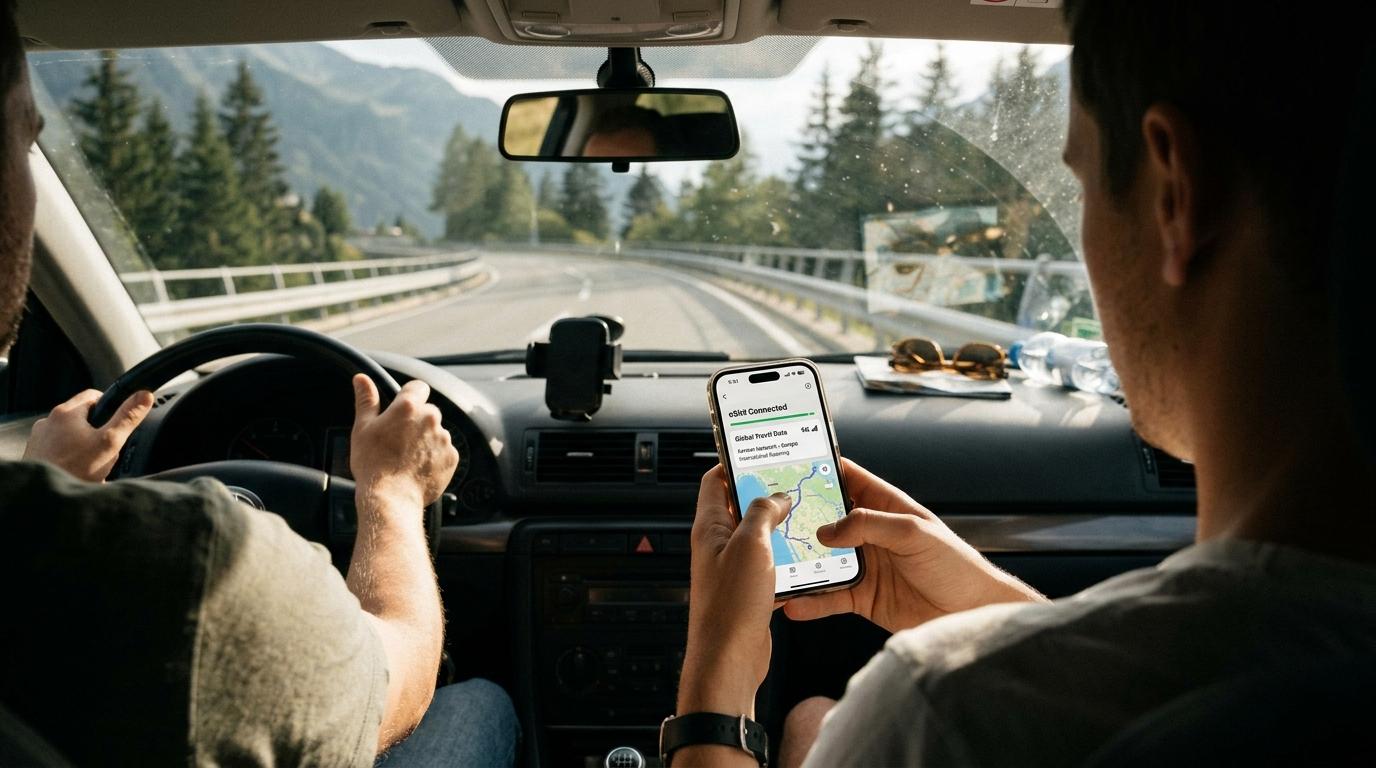
The right eSIM for road trip travel does one job well. It keeps your phone online in every country on the route, with no new SIM card at each border and no roaming bill waiting at home. Navigation, toll payments, hotel messages and a lost signal on a mountain pass all depend on that single connection.
This guide explains how to pick a plan for a drive across several countries. It covers plan types, network coverage, data needs and roaming rules at borders. It also covers setup on iPhone and Android and the mistakes that leave drivers offline. The examples lean toward European routes, and the same logic works anywhere a car crosses a border.
What Is the Best eSIM for a Road Trip Abroad?
The best eSIM for a road trip abroad is a regional plan that lists every country on your route, connects to more than one local network, allows hotspot sharing and holds enough data for the whole drive. No provider wins on every route, and the country list plus your own itinerary decide the choice.
An eSIM is a digital SIM built into the phone. You add a data plan with a QR code or an app instead of inserting a plastic card, and one phone can store several plans. Apple supports eSIM on the iPhone XS, the iPhone XR and every later model, and many recent Android phones support it too. The carrier must have unlocked the phone before it accepts a plan of another provider.
Why a Road Trip Asks More of a Plan Than a City Break
A city break keeps you near hotel and café WiFi. A road trip does not. You spend hours between towns, navigation runs for long stretches, and the local network changes at every border without warning. You also need the connection at odd moments, for example at a fuel stop where the pump rejects your card or at a car park that wants an app payment.
Passengers add to the load. Two teenagers streaming video in the back seat use far more data than a driver following a map all day.
Regional, Single Country or Global eSIM Plans
Three plan types cover most trips, and the difference shows up at the first border.
Regional Plans Suit Multi Country Drives
A regional eSIM covers a group of countries under one plan and one validity period. A driver who leaves France for Spain and then continues to Portugal sees the phone join a local partner network in each country automatically. That makes a regional plan the most practical option for any route with three or more borders, because nobody stops to buy, install or switch anything.
Travelers who want one profile that follows the car can look at an eSIM for cross-border trips and compare its country list with the planned route before paying. The list deserves a literal reading. A plan with "Europe" in its title may leave out the United Kingdom, Switzerland, Turkey or parts of the Balkans, and drivers tend to add those countries on a whim.
Single Country and Global Plans
A plan for one country often costs less per gigabyte. It makes sense when the whole trip stays inside that country, for example a loop around Iceland or a drive along the Amalfi Coast. Once the route crosses a border, a second plan becomes necessary, and switching halfway takes time and a working signal that you may not have.
A global eSIM covers dozens of countries on several continents. It often costs more per gigabyte, and the data allowance can be smaller. It earns its place on a trip that mixes continents or follows an uncertain route. For a planned drive through Western Europe, a regional plan usually fits better.
How Coverage Changes Along the Road
Network coverage matters more than the number of countries printed on the plan. Cities are easy, and main motorway corridors are usually fine. The weak spots sit in mountain passes, long tunnels, thinly populated interiors and border zones, and those are the places where a driver needs the signal most.
A plan tied to one partner network per country depends entirely on that network along your specific road. A multi network plan can choose among several local networks, which gives the phone more chances to find a signal in a valley or a border town. Providers describe this on the plan page under the name best available network. Some also let you select a network by hand, which helps when the phone clings to a weak signal while a stronger one sits nearby.
A route that crosses the Alps deserves extra preparation. Loading the route before the drive rather than during it covers most gaps, and the offline maps section below explains how.
How Much Data a Road Trip Needs
Navigation costs little. Live maps use far less data than video, and the standard map view uses less than the satellite layer or live traffic. Passengers, video calls and photo backups use the most.
A useful way to size a plan is to count devices and habits instead of days. A solo driver who uses maps, messages and the occasional search needs a small plan. A couple who share photos, browse online and make occasional video calls needs a mid-size plan. A family where everyone watches video in the car needs a large allowance or an unlimited plan, plus a hotspot that works.
Hotspot rules vary widely. Some plans allow tethering without limits, some cap it and some block it. Anyone who plans to share the connection with a laptop or a second phone should read that line on the plan page. Unlimited plans carry fine print too, because some slow down after a daily threshold. A fixed amount of data with a sensible validity period can suit a road trip better than a headline unlimited offer.
The validity period deserves a second look. Some plans start the clock at installation and others at the first connection in a covered country. A plan installed a week early may lose days before the first mile of the trip, and the plan's own wording explains which rule applies.
Setting Up an eSIM Before You Leave
Setup needs WiFi and a few quiet minutes. Doing it at a border with one bar of signal is how drivers end up stuck.
The process runs in four stages. You buy the plan and receive a QR code or an installation link. You scan the code or tap the link on home WiFi. You label the new line, for example "Road Trip", to avoid confusion with your main number. Then you leave the eSIM line switched off before the day you enter the first covered country, when the provider recommends that.
On an iPhone or a recent Android phone, dual SIM lets the eSIM and the home SIM work together. The common arrangement keeps the home line for calls and texts and assigns the eSIM to mobile data. Bank text codes keep arriving, your messaging apps stay tied to your usual number, and the driving data runs on the travel plan. Apple's settings also include a switch called Allow Cellular Data Switching. With it on, the phone may use the other line for data, which means a traveler who wants the eSIM to carry everything should check that setting.
Two more switches matter. Data roaming has to be on for the eSIM line, because the plan works through partner networks abroad. Data roaming on the home line should stay off, because the home carrier may charge roaming rates when the phone uses that line for data.
A short test at the first stop after the border, with a map search and a message, confirms that the line works while WiFi is still close.
Many road trips begin at an airport. A traveler who lands late, with a rental counter across town, can book a private airport transfer through Transpovia and use the eSIM already installed at home to bring up maps and the rental confirmation without hunting for airport WiFi.
Border Crossings and Roaming Rules in the UK and Switzerland
Drivers on an EU operator's plan enjoy the EU roaming rule under which calls, texts and data in other EU countries cost what they cost at home. It covers the 27 EU countries plus Iceland, Liechtenstein and Norway, and it comes with fair use limits that exist for normal travel, not for living abroad on a home SIM. The United Kingdom no longer falls under the rule, and Switzerland is not part of it either, although some operators include them voluntarily in their own offers.
That is why an eSIM earns its place even for EU residents. A drive that starts in Germany, crosses Switzerland and ends in Italy passes through one country where the home plan may charge extra.
Visitors who live in the United States or elsewhere outside Europe do not enjoy that rule at all. Their home carrier sets the price, often through a daily pass, and the cost adds up on a two week drive.
At the border itself, nothing dramatic happens. The phone drops the old partner network and joins a new one after a short pause, and a live navigation session may stall briefly during the switch. A downloaded offline map covers that pause.
Offline Maps, Tolls and Other Tasks That Need Data
Offline maps form the backup layer for every road trip, even with a strong eSIM. In Google Maps, you save an area to the phone on WiFi, and navigation keeps working without a connection when the entire route sits inside the saved area. Some countries and regions do not allow downloads for contractual or language reasons, and a test before departure prevents a surprise later. Saved areas are rectangular, which means a long route often needs several downloads, and saved maps need an update now and then.
Digital motorway passes raise the importance of the connection. Austria, Switzerland and Slovenia all sell vignettes online, and the purchase page needs data. Buying before the border keeps the first minutes in the new country relaxed.
Parking apps, ferry bookings and charging apps for electric cars also need data, and the rental company's own app needs it too. A plan that runs out on day six leaves a driver stuck with every one of them.
Data only eSIMs usually do not include a phone number for calls. The home SIM stays active for voice and for the single use codes that banks send by text.
Mistakes That Leave Drivers Without a Signal
The first mistake is buying a plan that ends at the wrong border. Itineraries grow during a trip, and a drive planned through France and Spain can turn into a detour through Switzerland. Reading the full country list before checkout costs a minute.
The second mistake is leaving data roaming off. The eSIM installed without trouble, the QR code worked, and nothing loads. In many cases the line has data roaming turned off, or the phone still uses the home line for data. The settings screen shows which line carries data, and a restart often clears a stuck connection.
The third mistake is installing too late. Border queues, car parks and mountain roads are poor places for a QR code download, and doing the installation at home removes that risk.
The fourth mistake is trusting one navigation source. Live navigation needs data, and data can fail. A second route source, either offline maps or a downloaded route, keeps the drive moving when the signal disappears.
Matching the eSIM to the Kind of Trip
Couples and solo drivers can often get by with a mid size plan and offline maps. Dual SIM helps them most, because the home number stays reachable.
"We crossed four borders in a week and the map never froze once. My husband kept his home number for calls, and the eSIM handled everything else."
Families should look at hotspot rules and total data first, because a car with four screens uses data quickly. A plan that allows tethering lets one phone serve the whole back seat.
Business travelers who drive between meetings need reliable video calls and a hotspot for a laptop. A fixed data plan with a clear speed policy suits them better than an unlimited plan that slows down after a threshold.
FAQs
Can one eSIM work across several countries on a road trip?
Yes. A regional plan covers many countries under one profile, and the phone joins a local partner network after each border crossing. The plan works only in countries on its list, which makes a comparison with every stop and transit country worthwhile.
How much data do I need for a road trip abroad?
The answer depends on devices and habits more than on days. Maps and messaging use little data, while video, and video calls use a lot. A solo driver needs far less than a family with several screens, and a hotspot raises the total quickly.
Will an eSIM replace my regular phone number?
No. Most travel eSIMs provide data only. Your home SIM keeps handling calls, texts and bank codes, and the eSIM carries the data. Dual SIM settings let you choose which line does what.
Does an eSIM work in the UK and Switzerland?
Only when those countries appear on the plan's country list. Many European regional plans include them, and some leave them out. The same applies to Turkey and the Balkans.
What happens if I run out of data during a drive?
Behavior differs by plan. Some plans slow the speed and keep a thin connection, and others stop completely and wait for a top up. Offline maps keep navigation running in both cases, and most providers allow a top up in their app.
Choose the Plan That Follows the Route
The right eSIM for road trip travel comes down to four checks. The country list covers every border, the network choice fits the roads, the data and hotspot rules match the people in the car, and the setup happens at home. Offline maps then cover the gaps that no plan can close.
Many drives start at an airport, and Transpovia is a marketplace for ground transportation where travelers can book an airport transfer or a private ride to the rental counter, the hotel or the first stop. Arriving with the eSIM installed and the maps loaded makes the first hours of the trip calm.


