
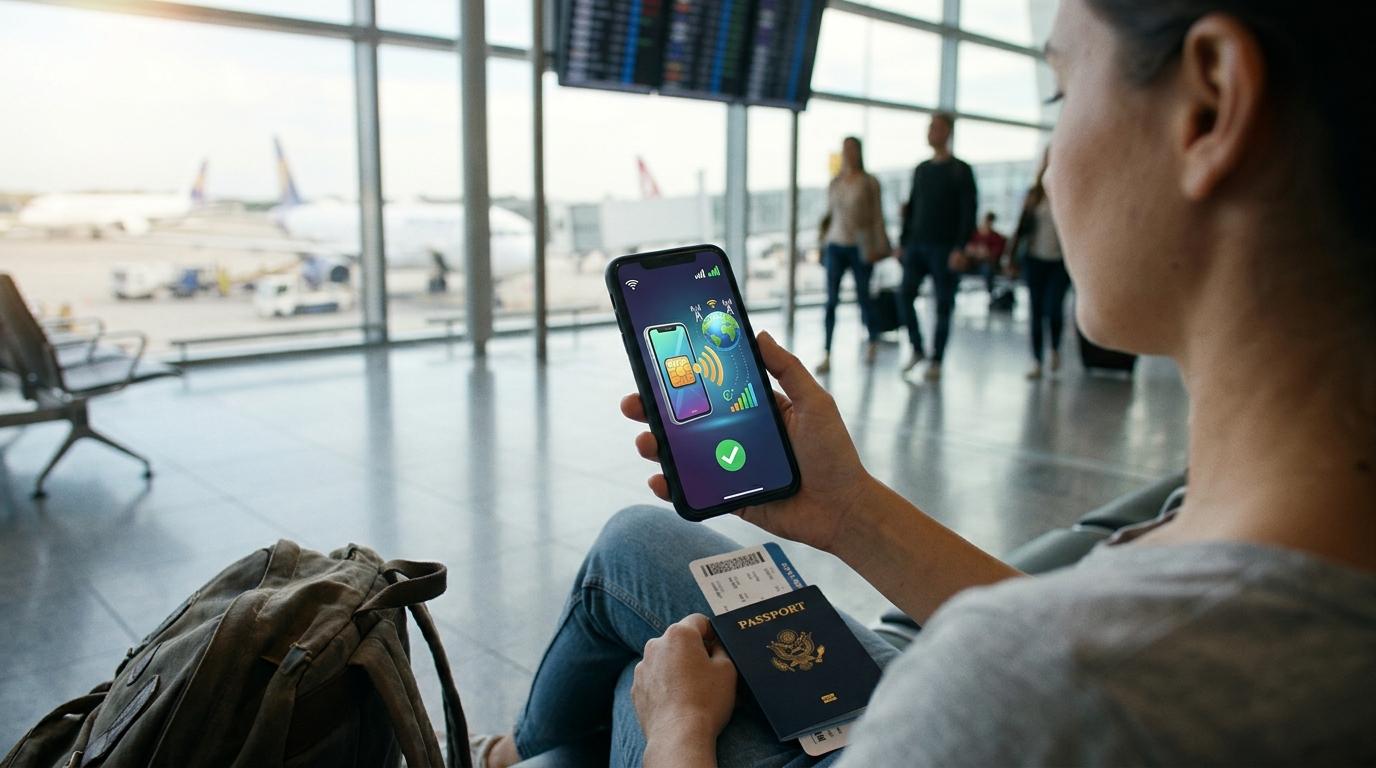
Yes, an eSIM can run on 5G in another country. That is the short answer on eSIM 5G support abroad. The longer answer is that the eSIM never decides this alone. Your phone, your data plan and the local network all have to agree, and when one of them falls short, your screen quietly shows 4G.
This guide covers what to check on your phone, where 5G tends to appear, why LTE sometimes shows up in a city that has 5G, and which settings to fix at home before your flight.
What Decides If You Get 5G Abroad
An eSIM is a digital SIM. It replaces the plastic card, and it does not cap your network type. A travel eSIM can reach 3G, 4G or 5G when the phone, the plan and the local carrier all allow it. Think of four checks.
-
Your phone supports 5G and the radio bands used in the country you visit.
-
Your phone supports eSIM and is not locked to your home carrier.
-
The plan you buy includes 5G access in that destination.
-
The network where you stand actually broadcasts 5G.
Miss one and you land on 4G. That is not a fault. The phone is simply using the best connection it is allowed to use.
Most travelers pass the first two checks with no trouble. The third check is where plans differ. Some sellers list 5G country by country, and others only promise fast data. If you want to compare, you can browse 5G travel eSIM plans on Transpovia and read the coverage details for your destination before you pay.
Check Your Phone Before You Buy
Not every phone with eSIM has 5G, and not every 5G phone has eSIM. A budget handset may offer 5G and no eSIM. An older flagship may offer eSIM and only 4G. You need both features in one device.
Many models released after 2020 handle both. That list includes the iPhone 12 and newer, the Samsung Galaxy S21 and newer, and the Google Pixel 5 and newer. Check your exact model in the settings menu, because regional versions can differ. A US iPhone of the iPhone 14 generation or newer has no SIM tray at all, and eSIM is the only choice there.
Unlocked or locked
A phone locked to your home carrier can refuse a foreign eSIM even when the hardware is fine. Ask your carrier if the phone is unlocked, or look in the About screen for a carrier lock line. Do this a week before travel, not at the departure gate.
Band support
Countries use different 5G frequency bands. A phone sold in one market may miss bands that carriers in another market rely on. The phone then connects to 4G in a place where locals enjoy 5G. If you visit one region often, compare your phone's band list with the main carriers there.
Dual SIM limits
Some phones allow 5G on only one line at a time. When your home number and your travel eSIM are both active, choose the eSIM for cellular data yourself. Do not let the phone guess.
eSIM 5G Countries and Cities to Expect
5G rollouts follow money and population. Large cities and busy tourist districts in countries with advanced networks usually get coverage first. Major cities in the United States, the United Kingdom, South Korea, Japan and Germany are common examples. Even there, coverage can be patchy. One street may have 5G and the next may not.
Expect 4G in these places.
-
Small towns and country roads
-
Mountain areas, national parks and small islands
-
Tunnels, metro lines and long train routes
-
Deep inside large buildings and parking garages
-
Countries where carriers have not launched 5G
Two travelers with the same phone and the same eSIM can see different icons in the same city. A person near a hotel window might get 5G while a guest in an inner room sees LTE. The plan did not change. The signal did.
This is why a country list on a seller's site is a starting point and nothing more. "5G available" often means selected cities on selected carriers. Treat 5G eSIM coverage maps with care, and read the fine print for the cities on your route.
Do You Need 5G on a Trip
Most travel tasks run well on 4G. Maps, ride apps, translation, messaging, booking confirmations and video calls all work on a decent LTE signal. If your goal is to stay online and avoid roaming bills, steady coverage matters more than the icon on your screen.
5G earns its place in a few situations.
-
You work remotely and join video calls in cafes or hotels.
-
You upload large photo or video files while you travel.
-
You stay in a crowded place, a stadium or a festival for example, where many people share one tower.
-
You stream in high quality during a long layover.
If none of that sounds familiar, a stable 4G eSIM will serve you well. If some of it does, 5G is a bonus worth checking for. It is not worth paying double for.
Settings That Help an eSIM Reach 5G
You rarely need a special setup. A few settings still make a difference.
Install early and activate on arrival
Install the eSIM profile at home on wifi. Label the line something clear, for example "Japan Trip." After landing, turn on that line and use it for cellular data. Then switch off data on your home SIM to avoid surprise charges.
Turn on roaming for the eSIM line
Travel eSIMs usually need data roaming enabled on the eSIM line. It sounds odd, and it is normal. The eSIM connects to a partner network, and your phone labels that link roaming. Your home SIM should stay off for data.
Pick the right 5G mode
Many phones offer 5G Auto and 5G On. Auto lets the phone drop to LTE when 5G is weak, and that often saves battery. 5G On holds a 5G signal longer. Avoid any "5G only" option abroad. In an area with patchy signal, your phone can lose data instead of falling back to LTE.
Keep software current
Carrier settings and system updates can add network support. Update your phone before you leave. A hotel connection is a poor place to download a large update.
Why Your Phone Shows LTE With a 5G Plan
This is the most common complaint, and the cause is usually simple.
-
The local carrier has no 5G where you stand.
-
Your plan uses a partner network that leaves 5G out for visiting users.
-
Your phone lacks a band that the carrier uses.
-
You are indoors and the signal is weak.
-
A data saver mode is on.
-
The 5G setting is off for that line.
Walk to a window or step outside and check again. If the icon changes, the building was the issue. If it stays on LTE, review your settings, then contact the eSIM seller and name the city and the carrier shown in your phone.
Does 5G Use More Battery
It can. A phone that hunts for a weak 5G signal works harder than one that sits on stable LTE. In a strong 5G area the gap is small. In a weak area you may notice it by mid afternoon. If your battery drops fast, switch to 5G Auto or LTE, and carry a small power bank on long sightseeing days.
How to Read a 5G eSIM Plan Page
Before you buy, look for these details.
-
If the plan lists 5G for your exact country, and in which cities
-
Which local networks it uses
-
How much data you get, and if speed drops after a limit
-
If hotspot sharing is allowed
-
How many days the plan lasts, and when the clock starts
-
If you can top up without buying a new eSIM
-
Clear support contact details
Be careful with big phrases, "global 5G" for example. No plan has 5G everywhere, because not every country has it. A seller who names the countries and the networks is easier to trust than one who makes a big claim.
Arrival Day Is Where Data Matters Most
The first hour in a new country asks the most of your phone. You open a booking, check a gate change, message a host, and look for your driver. A working connection in the arrivals hall removes real stress, and 4G is plenty for all of it.
Install your eSIM before the flight and test it on wifi at home. Save booking confirmations and your driver's contact details offline too, in case the signal drops in a terminal or a parking structure. Airports often have crowded networks, and a slow icon in the baggage hall is normal and usually clears once you walk outside.
"The eSIM was live before I found my bag, and I could message the driver right away. One less thing to worry about after a long flight."
A Quick Checklist Before You Fly
-
Confirm your phone supports both eSIM and 5G.
-
Confirm the phone is unlocked.
-
Check that your destination carriers offer 5G in the cities you will visit.
-
Install the eSIM at home on wifi.
-
Set 5G to Auto, not 5G only.
-
After landing, turn off data on your home SIM and turn on roaming for the eSIM line.
-
Save bookings and contact details offline.
FAQs
Does eSIM have 5G by default?
The eSIM technology does not block 5G. You get 5G only when your phone, your plan and the local network all support it. The eSIM is the delivery method, and the network is the road.
Does every travel eSIM have 5G coverage?
No. Some plans stay on 4G in certain countries, even when your phone supports 5G. Check the plan page for your destination and read how the seller describes coverage.
Which countries have eSIM 5G coverage?
Many countries have 5G in major cities. The United States, the United Kingdom, South Korea, Japan and Germany are common examples. Coverage varies by carrier and area, and you should check the details for your exact route.
Is 4G enough for travel?
For most trips, yes. Maps, messaging, ride apps, translation and video calls run well on LTE. 5G helps with heavy uploads, remote work and crowded places.
Can I use 5G on an eSIM if my phone has dual SIM?
Often yes. Some phones allow 5G on only one line at a time. Choose your travel eSIM for cellular data and check your SIM settings.
Why does my phone show 4G when my plan includes 5G?
The plan may allow 5G while the local network, your position or your phone settings do not. Move near a window, restart the phone, check the 5G mode, and confirm the carrier offers 5G in that city.
Conclusion
An eSIM can give you 5G abroad when the phone, the plan and the local network all support it. Check your phone model, confirm it is unlocked, read the plan page for country level detail, and install the eSIM at home on wifi. Set 5G to Auto, and do not worry when the icon says LTE in a quiet corner of town. Reliable data matters more than the label.
When you plan your next trip, sort out your connection and your ride together. Transpovia can help you book a private airport transfer, and your driver details and your data are ready before you land.


