
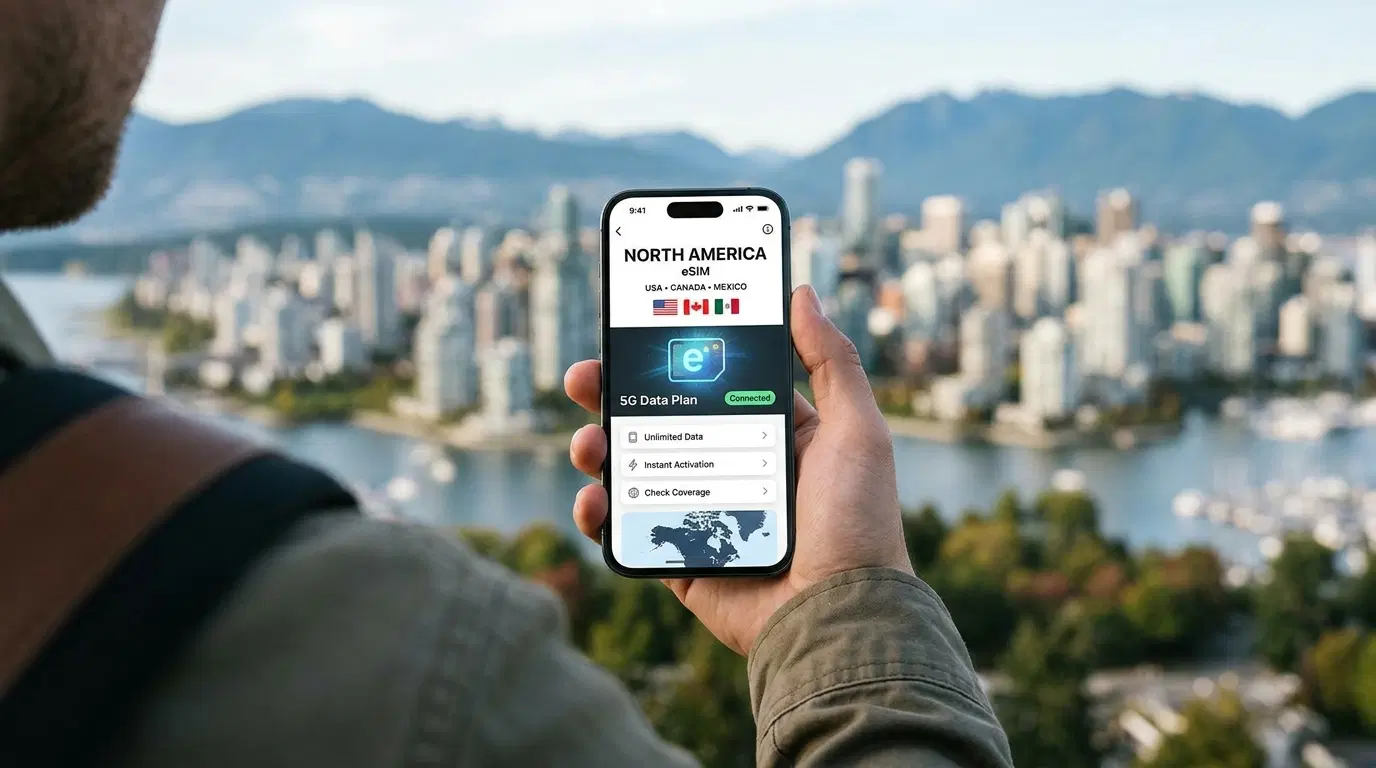
The best eSIM for North America is a regional plan that names the United States, Canada and Mexico on its coverage list, carries enough data for the length of your trip, and installs on your phone before you leave home. That one choice ends the border-by-border SIM swapping that older trips required, and it keeps your regular number ready for bank texts and calls. This guide covers what to look for, which plan type fits which kind of trip, how the carriers behave in each country, and how to set everything up in about ten minutes. It also covers a few details that comparison pages usually skip. One of them is what happens at an airport curb when your driver messages you and your phone has no signal.
What Makes an eSIM the Best Fit for North America
Coverage That Names All Three Countries
The country list comes first. Some plans sold under a North America label cover only the United States, and others cap Mexico use with a small daily limit. A plan that lists the United States, Canada and Mexico by name removes the guesswork. A country-specific eSIM still makes sense when the whole trip stays inside one border, since single-country plans often cost less.
Networks and Places Where Signal Drops
The United States runs on T-Mobile, AT&T and Verizon. Canada's main networks are Rogers, Bell and Telus, and Mexico's are Telcel, Movistar and AT&T Mexico. Travel eSIMs connect to partner networks in each country, and cities in all three get strong 4G and 5G. Trouble shows up in national parks, mountain roads, northern Canada and rural Mexico. A plan that reaches more than one network in a country helps on road trips, because the phone can switch when a carrier fades. Offline maps cover whatever is left.
Data, Hotspot and Phone Number
Data volume matters more than network brand for most visitors. A few days in New York with maps and messaging uses little. A week of video calls and laptop hotspot sharing empties a small plan quickly. Unlimited plans often carry a daily full-speed allowance or a cap on tethering, which means the hotspot rules deserve a read before checkout. Most travel eSIMs are data-only, which means no local phone number and no regular cellular calls. WhatsApp, FaceTime and Google Voice handle calls over data, while your home SIM keeps receiving texts when you leave that line switched on.
Validity and Activation Timing
Plans start their countdown in one of three ways. Some begin at installation, some at manual activation, and some at the first connection to a local network. A thirty-day plan that starts at installation loses a week when you install it a week early, which makes the activation rule worth reading before you pay.
Regional eSIM, Country eSIM, Home Roaming or Local SIM
Four routes exist for staying online across the three countries, and each one wins in a different situation. Nothing in North America matches the European Union's shared roaming zone, which means every option carries a trade-off.
A regional eSIM is the simplest answer for multi-country trips. You buy it before departure, keep your home SIM and number, and the phone joins whichever network is available after landing. A North America travel eSIM suits routes that cross borders, for example Toronto, Chicago and Mexico City, because nothing changes at the crossing. Transpovia, a ground transportation marketplace for airport transfers and private rides, also keeps an eSIM page, which lets travelers look at arrival rides and connectivity in one visit.
|
Option |
Best for |
Main drawback |
|
Regional eSIM |
Trips that cross borders |
Higher cost on long stays |
|
Country eSIM |
One country only |
Repeat setup at each border |
|
Home roaming |
Short trips with no setup |
Daily bundles vary and extra charges climb fast |
|
Local prepaid SIM or eSIM |
Stays of three months or more |
Purchase and activation in every country |
Home roaming needs no setup and keeps your number, though daily bundles differ a lot between carriers. A local prepaid plan usually wins on price for a long stay in one country, and the savings fade once you repeat the purchase in a second and third country. Some US and Mexican plans reach their neighbors too, with data allowances that change between plans.
Matching the Plan to Your Trip
City Breaks
Visitors to New York, Los Angeles or Miami get by on a small plan of three to five gigabytes, since maps, rideshare and messaging use little data and many hotels offer Wi-Fi. Almost any provider works well there because urban coverage is strong. A short city trip rarely justifies paying for unlimited data.
Road Trips and Parks
Road trippers do better with a large or unlimited plan and a provider with broad rural reach. T-Mobile's network reaches the most rural ground in the United States, and several travel eSIMs run on it. Signal often exists at park visitor centers and along main roads, then disappears on backcountry trails. Drivers who follow GPS for hours also burn more data than they expect, since live traffic layers refresh constantly.
Cross-Border Trips and Remote Work
Anyone who crosses the border by car or plane gains the most with a regional plan. Remote workers who join video calls need an unlimited plan or a large fixed bundle, along with a clear hotspot allowance. A laptop on hotspot can use more data in one meeting day than a phone uses in a week.
Families and Groups
Families can buy one plan per phone, or let one phone share a large plan through its hotspot. The second route saves money and drains the host phone's battery. Teenagers who stream video on the back seat change the math quickly, and a larger plan per adult phone often works better than one shared plan.
Long Stays
Stays of a month or more suit monthly plans, and stays past three months often favor a local carrier plan with a local number.
Providers Worth Comparing
Airalo, Holafly, Nomad and Saily all sell regional plans that cover the United States, Canada and Mexico. Airalo offers fixed-data plans in country, regional and global versions and supports hotspot sharing. Holafly leans toward unlimited data and applies a fair-use limit to sharing. Nomad connects to several top carriers and can switch networks when a signal weakens. Saily belongs to Nord Security, the company behind NordVPN, and adds security features inside its app. GigSky aims at business travelers and includes a usage tracker.
Prices, networks and rules change often, which means the plan page on the day of purchase has the final word.
Five Questions That Settle Most Comparisons
Does the plan list all three countries by name? Does the total data match the length of the trip, or does a daily cap apply? Does validity begin at installation, at activation or at first connection? Does the hotspot allowance match the way you work? Can you top up in the app if the data runs short in the middle of the trip? A plan that answers all five clearly beats a cheaper plan that hides two of them.
What to Expect in Each Country
United States
Cities and highways give strong service on every major network. National parks give signal at visitor centers and main roads, and Death Valley and the interior of Alaska have very limited service. Hawaii has good coverage on its main islands.
Canada
Rogers, Bell and Telus cover cities and populated corridors well. Remote areas in Yukon and northern British Columbia have large gaps. Local Canadian plans cost more than many visitors expect, which makes a regional eSIM attractive for short visits.
Mexico
Tourist zones and big cities, for example Mexico City, Cancún and Guadalajara, have solid 4G. Rural areas, for example parts of Chiapas, have patchy service. Some regional plans limit Mexico use with a daily allowance, which makes that line of the plan page matter more here than anywhere else.
Crossing the Border
At land crossings and on flights between the three countries, the phone picks up the neighboring network within a minute or two. A regional plan handles that handover in the background, and a quick toggle of airplane mode forces a fresh search when the phone hesitates. Border queues sometimes run long, and downloaded offline maps and saved confirmation emails reduce stress when the line moves slowly and the signal dips near the crossing. Time zones change too, and phones set to automatic time update themselves once the new network connects.
Setting Up Your eSIM Before You Fly
The phone needs two things first, eSIM support and an unlocked status. Dialing *#06# shows an EID number on phones that support eSIM, and the carrier can confirm the lock status.
Installation works best at home on stable Wi-Fi. On an iPhone, the path runs through Settings, then Cellular, then Add eSIM, followed by a scan of the QR code the provider sends. On most Android phones, the path runs through Settings, then Connections, then SIM manager, then Add eSIM. Naming the new line North America keeps the two lines easy to tell apart.
Two settings matter after that. Mobile data should point to the eSIM line, and data roaming should stay on for that line, since the plan connects through partner networks. The home line can stay active for calls and texts with its own data roaming switched off, which avoids surprise charges. Phones also offer an automatic data switching option that lets the second line step in when the first weakens. That option can quietly spend home roaming data, which puts it in the off position for the whole trip. Deleting the eSIM before the trip ends causes trouble, because many QR codes install only once.
Using Your eSIM at the Airport and on the Road
Landing is the moment when a working connection pays off most. Plans that start at first connection begin counting once the phone joins a network, which means you switch airplane mode off only after touchdown. Maps, flight alerts, mobile boarding passes and hotel check-in messages all arrive within a minute.
"We drove across the border near Vancouver and the phone never blinked. I only noticed when my husband asked how it worked."
Ground transport depends on data too. Uber and Lyft run across the United States and Canada, while Uber and DiDi both work in Mexico. A pre-booked airport transfer, for example through Transpovia, relies on the driver reaching you by message or call when the terminal fills up, and a live connection makes that exchange smooth. Rideshare apps also need data to confirm pickup points, which matters in large airports with several terminals and curbs. Arrivals halls in all three countries can take a long time to clear after a long flight, and a working connection lets you update a driver about a delay without hunting for airport Wi-Fi.
Mistakes That Waste Data and Money
Buying a plan labeled North America without checking the country list tops the list of errors. Installing the eSIM weeks early on a plan that starts at installation comes next. Forgetting to turn on data roaming for the eSIM line leaves the phone with a plan and no connection. Counting on the eSIM for text-message security codes causes problems too, since data-only plans do not receive SMS, and the home SIM has to stay on for that. Large app updates and video backups can drain a small plan in an hour and belong on hotel Wi-Fi.
FAQs
What is the best eSIM for North America?
The best eSIM for North America is a regional plan that lists the United States, Canada and Mexico, offers enough data for your trip length, and shows clear rules on hotspot sharing and activation timing. Airalo, Holafly, Nomad and Saily all sell plans that fit that description.
Does one eSIM work in the US, Canada and Mexico?
Yes, a regional plan covers all three countries with one installation. Some plans labeled North America leave out Canada or limit Mexico, which makes the country list on the plan page the deciding factor.
Can I keep my regular phone number?
Yes. The eSIM handles data, and your home SIM stays in the phone for calls and texts. Most travel eSIMs do not include a local number.
How much data does a North America trip need?
A city break with maps and messaging fits in three to five gigabytes. Road trips, video calls and hotspot use call for a large or unlimited plan.
Is an eSIM cheaper than home roaming?
Often, yes, because many home carriers charge daily bundle rates or high pay-per-use rates abroad. The answer depends on your carrier and plan, and a quick comparison of your carrier's North America bundle with a regional eSIM gives the real figure for your trip.
When should I install the eSIM?
A few days before departure works for most travelers, on home Wi-Fi. Plans that start at installation call for a later install, closer to the flight.
Do I need an unlocked phone?
Yes. The phone has to support eSIM and carry no carrier lock, and the carrier can confirm both.
Does an eSIM work in national parks?
Signal exists at visitor centers and along main roads in many parks, and it often disappears on backcountry trails. Offline maps downloaded in advance fill the gap.
Can I make phone calls with a travel eSIM?
Most travel eSIMs carry data only. Calls run through WhatsApp or FaceTime over the data connection. Emergency calls use 911 in the United States, Canada and Mexico.
Pick One Plan and Land Connected
One regional plan that lists all three countries, sized to the trip and installed before departure, solves most connectivity problems across North America. Coverage gaps in parks and remote areas need offline maps, and the hotspot and activation rules need a quick read before checkout. Travelers who book an airport transfer or private ride on Transpovia can add the eSIM in the same planning session, which means the driver reaches them and the maps load within the first minute on the ground.


